
Add your courses
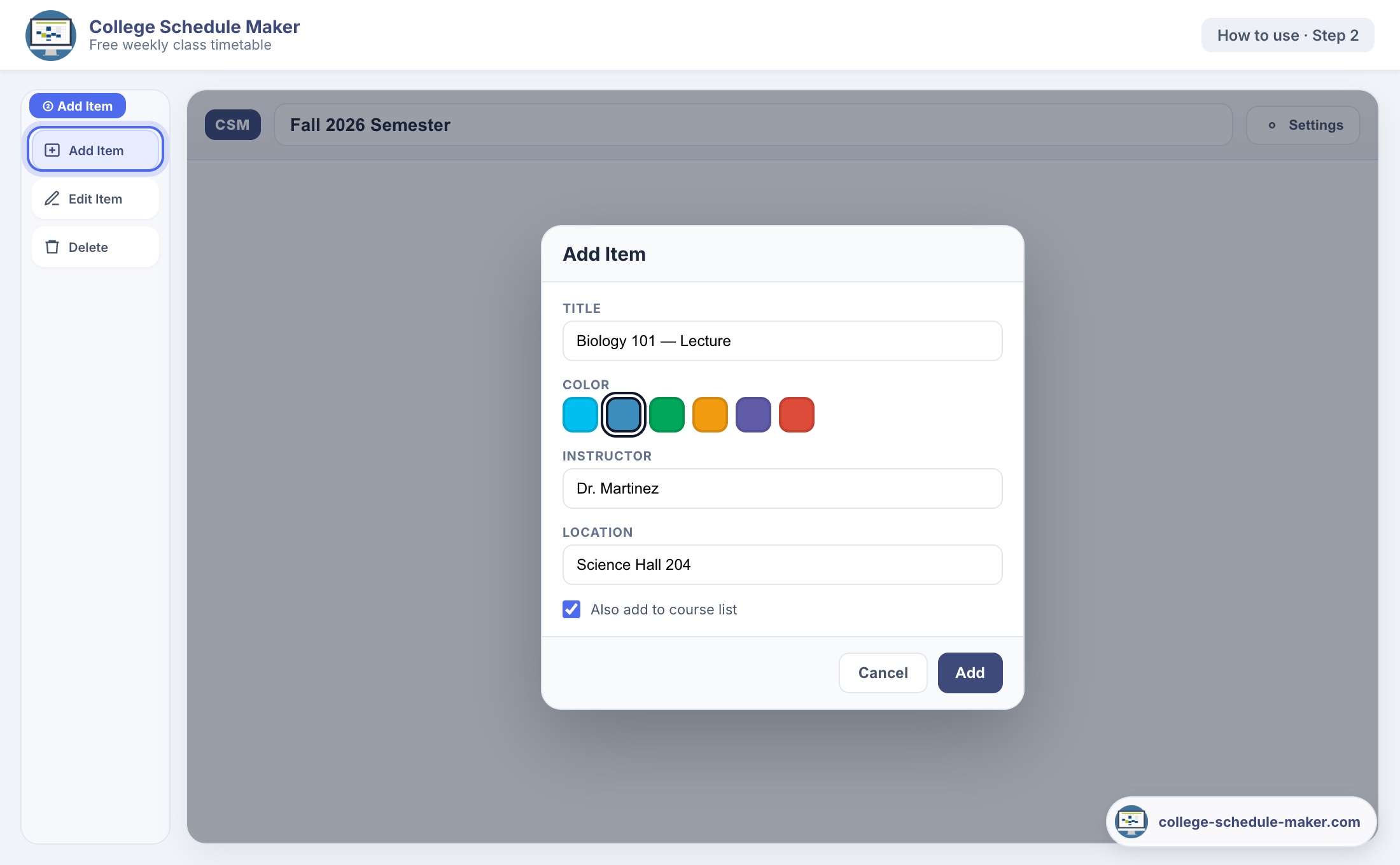
Type a name, pick a color, optionally add instructor, room, or lecture code.
Free · AI schedule maker · No sign-up
Build your weekly class timetable in minutes — or use our AI schedule maker to type classes in plain text and see a grid. Drag-and-drop, print, or share a link — no account needed.
AI schedule maker: write “MWF 9am Bio” or “Work Tue 2–6” — we build the week for you. Try AI →Click a time to add your first class
What is this?
College Schedule Maker helps you build a weekly timetable for classes, labs, and study blocks. No account. No install. Open the page, add your courses, drag them onto the week, then print, embed, or share.
Type a name, pick a color, optionally add instructor, room, or lecture code.
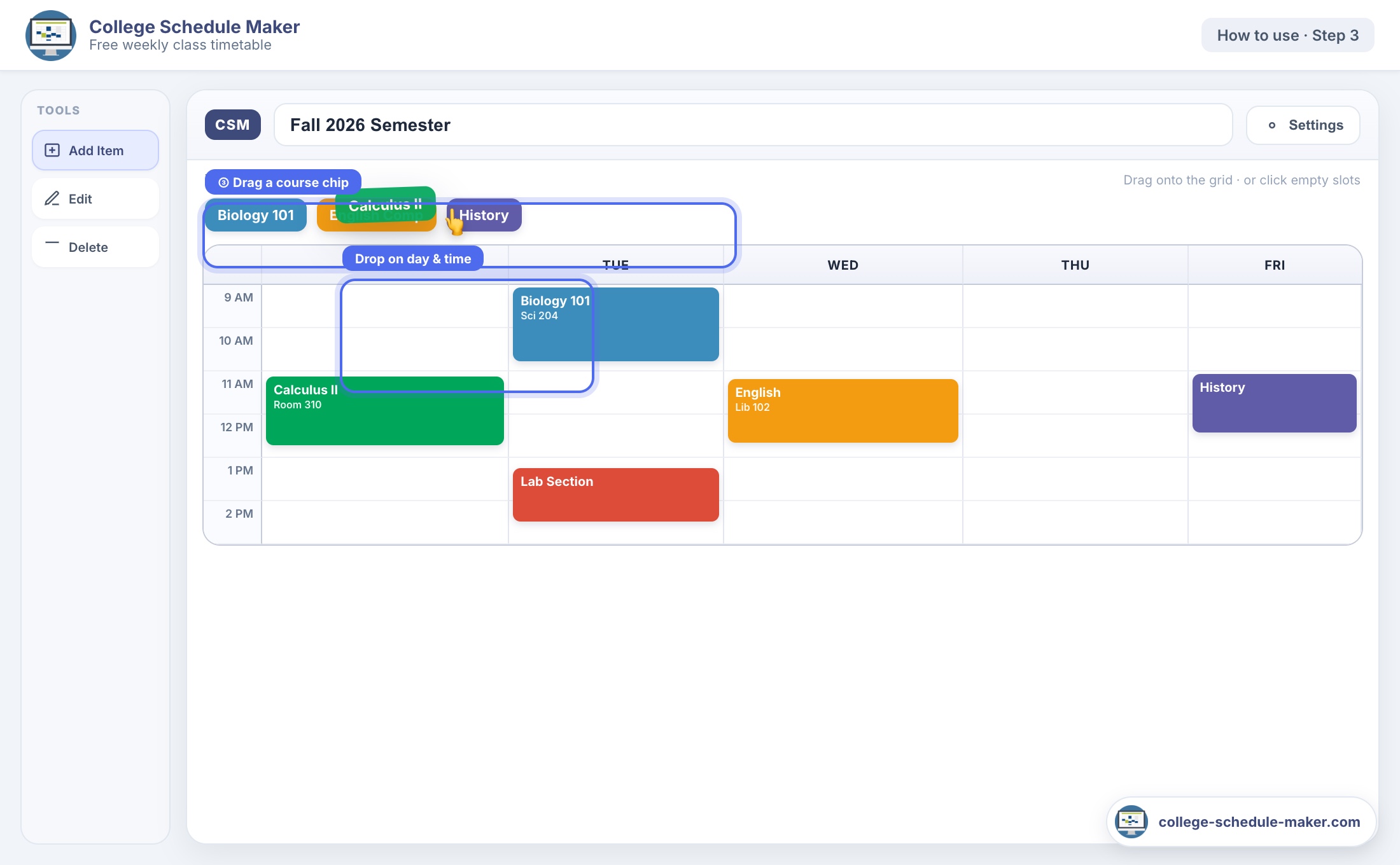
Drag a course onto Monday–Friday (or weekends). Resize blocks to match class length.
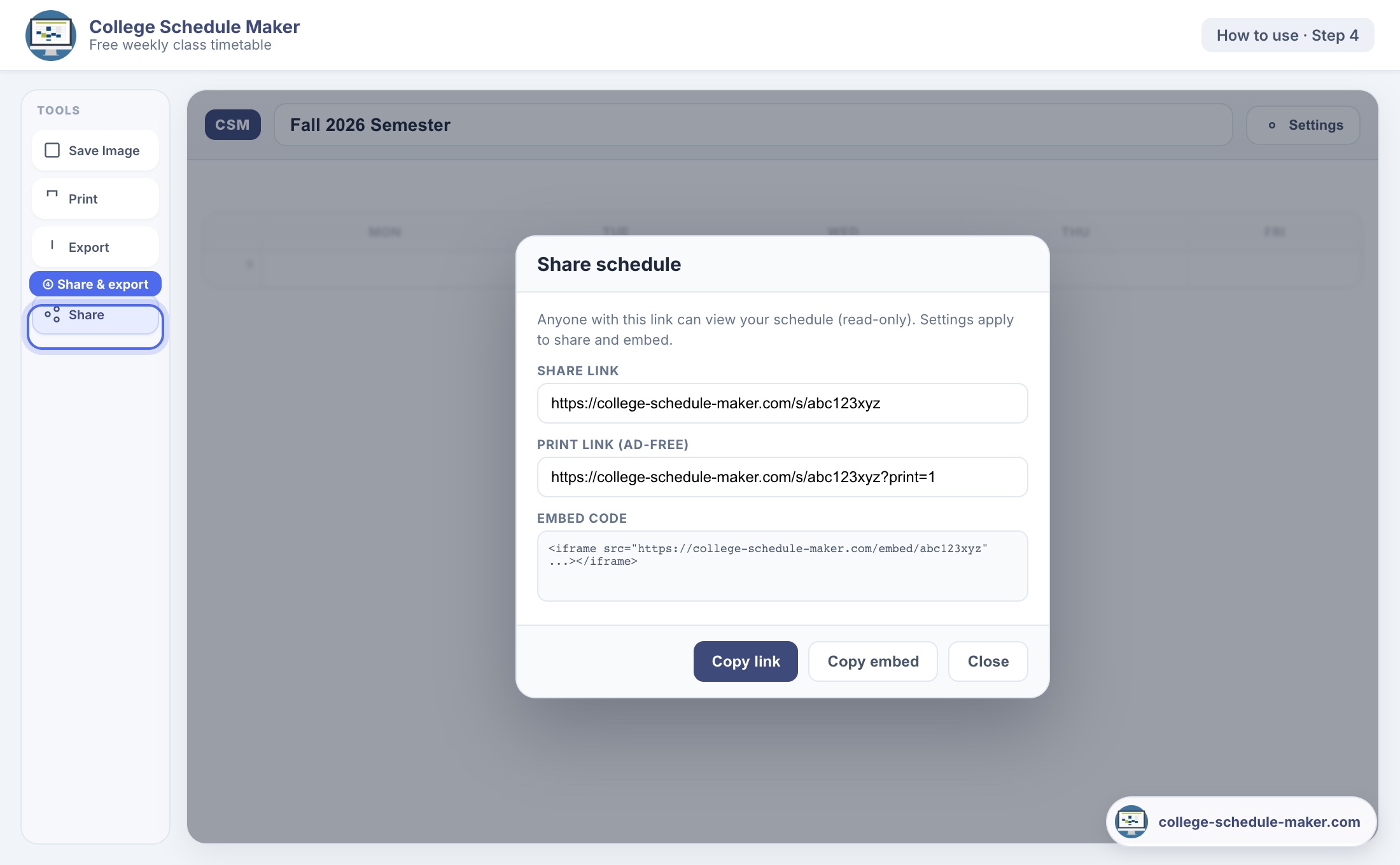
Print a clean landscape table, download a PNG, copy an embed code, or send a read-only link.
How to use
Screenshots match the live planner above. If you can fill a form and drag a box, you can build your full week schedule.
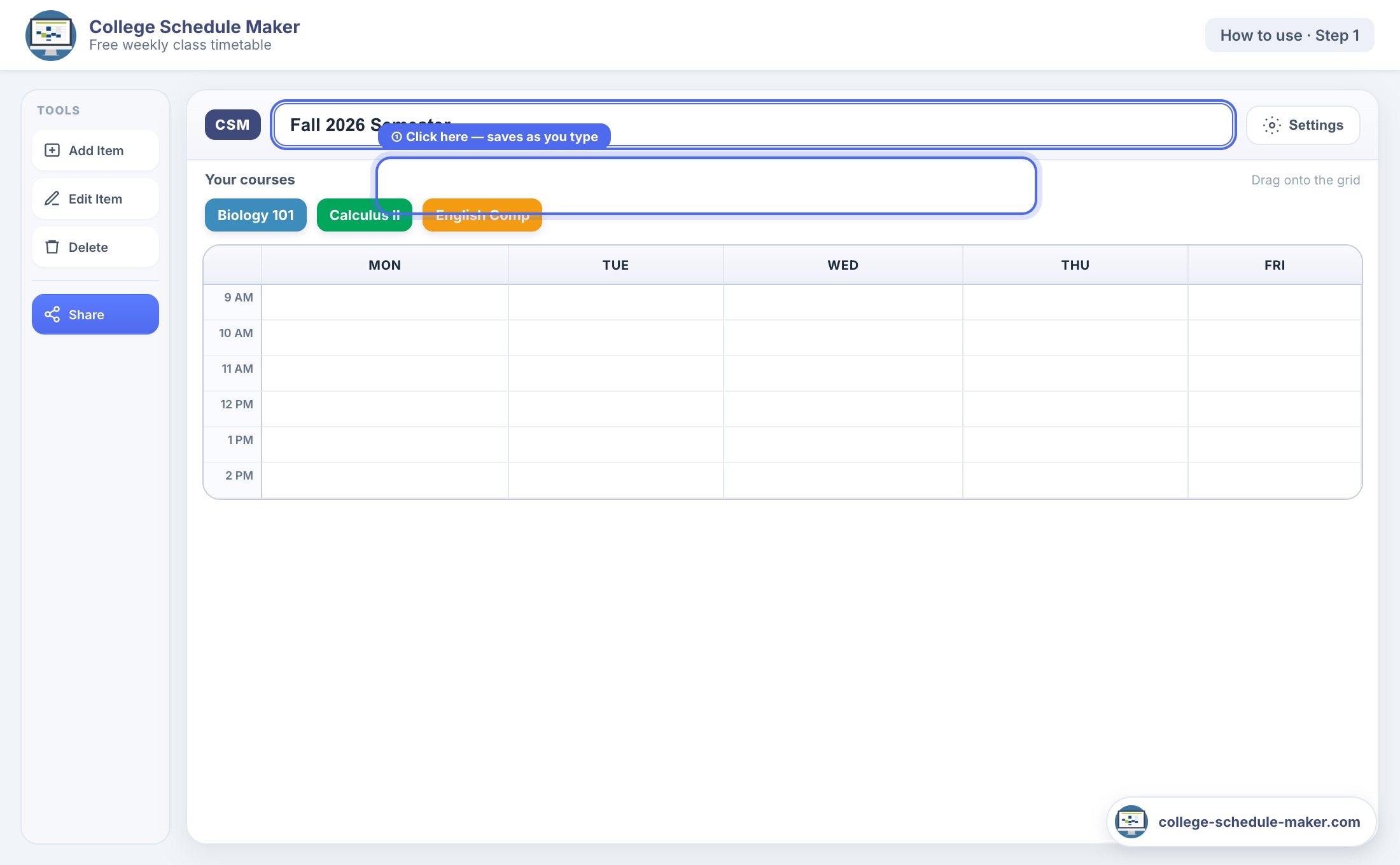
Click the title bar at the top (for example “Fall 2026 Semester” or “My Classes”). It saves automatically as you type — no Save button.
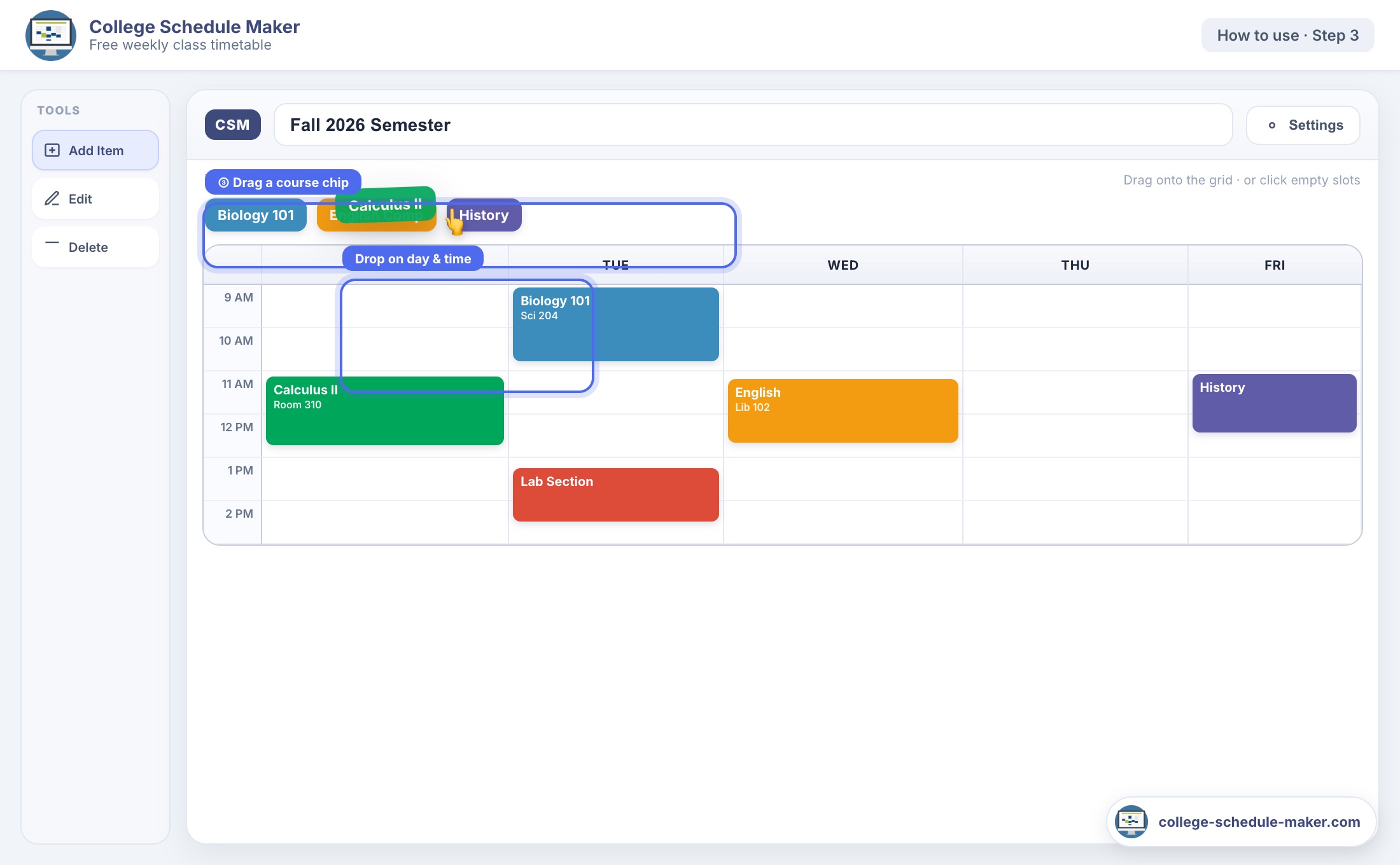
Click Add Item in the left toolbar. Enter the course title, pick a color, and optional instructor or room. Keep “Also add to course list” checked so you can reuse the same class on other days.
Drag a colored chip from Your courses onto a day and time. Or click an empty slot to open the form. Drag block edges to resize; drag the block itself to move it.
Share — copy a read-only link for classmates.
Embed — paste iframe code into your blog or portfolio.
Print — clean landscape table for your binder.
Save Image — PNG with copyright footer.
Export — JSON backup if you change browsers.
Tip: Stuck? Press the ? button in the top menu for a guided quick-start tour through every tool.
Why it helps
College weeks fill up fast — lectures, labs, work shifts, and study time. A clear weekly plan makes it obvious where free hours are and where you are already booked. This free AI college schedule maker is built for that: type your week in plain text, or drag courses onto one color-coded grid — then print, share, or embed.
Features
Why a weekly grid
Phone calendars and spreadsheets are useful — but a dedicated weekly class grid is usually faster for repeating lectures and labs.
New to the tool? AI schedule maker · Type your week · How to create a class schedule online · Free schedule maker
Guides & planners
Looking for a class timetable, free online builder, weekly planner, study schedule, or printable sheet? These guides explain the intent in plain English and link back to this free college schedule maker.
 AI schedule maker
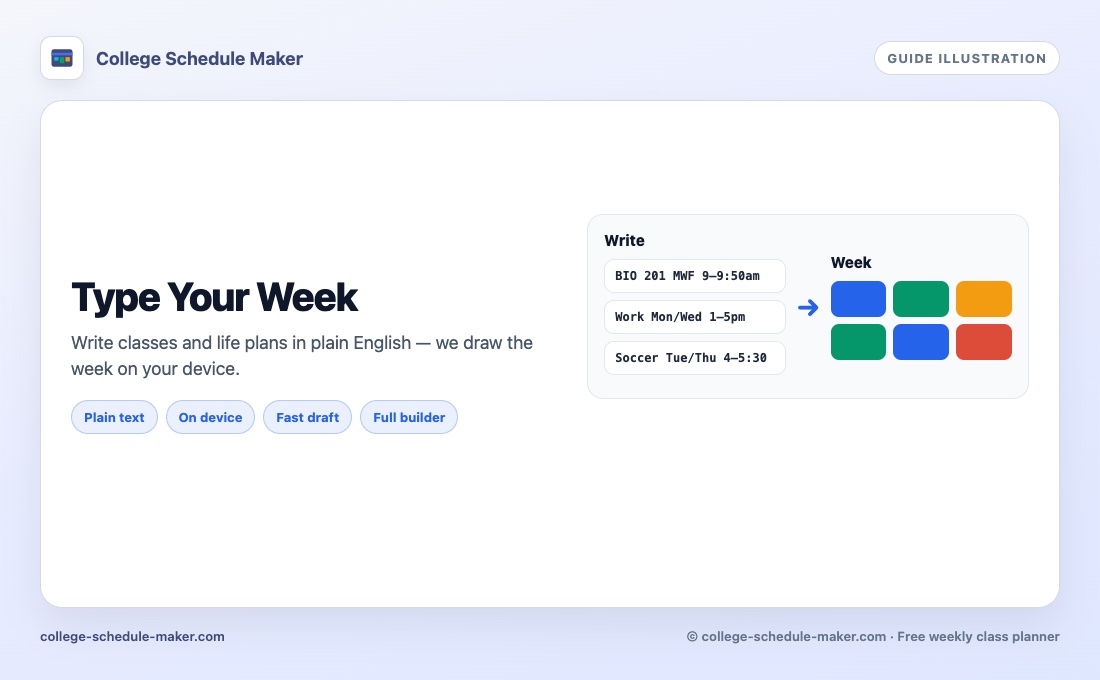
Type your week in plain English — we draw the grid. Free, no account.
AI schedule maker
Type your week in plain English — we draw the grid. Free, no account.
 Class schedule maker
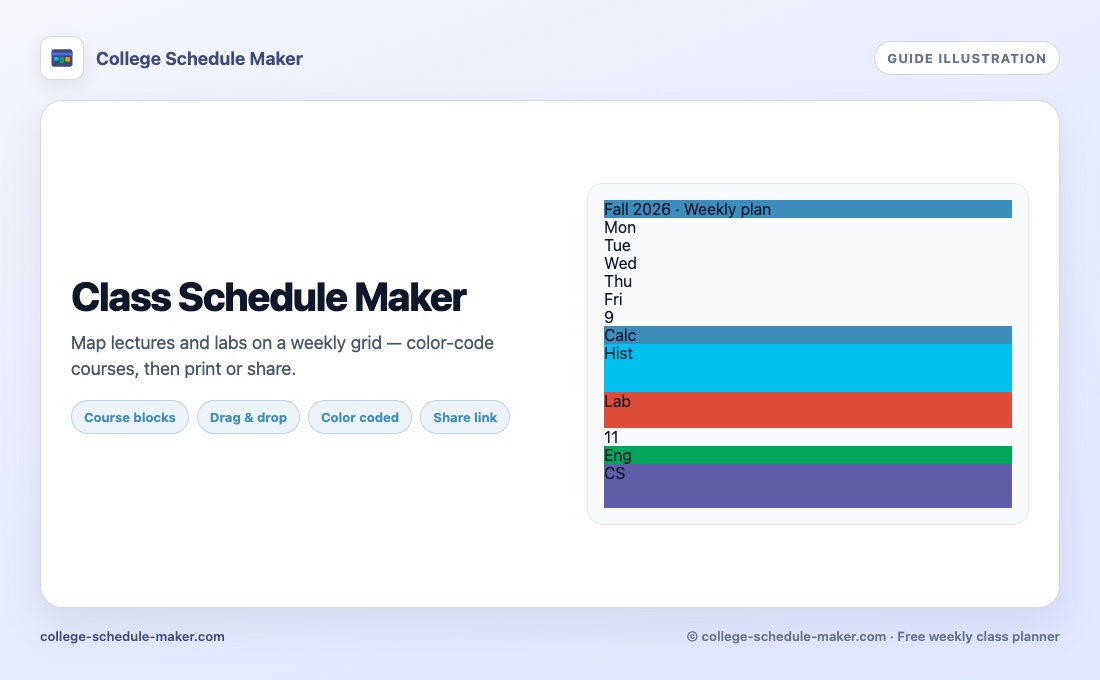
Build a course timetable with colors, then print or share.
Class schedule maker
Build a course timetable with colors, then print or share.
 Course schedule maker
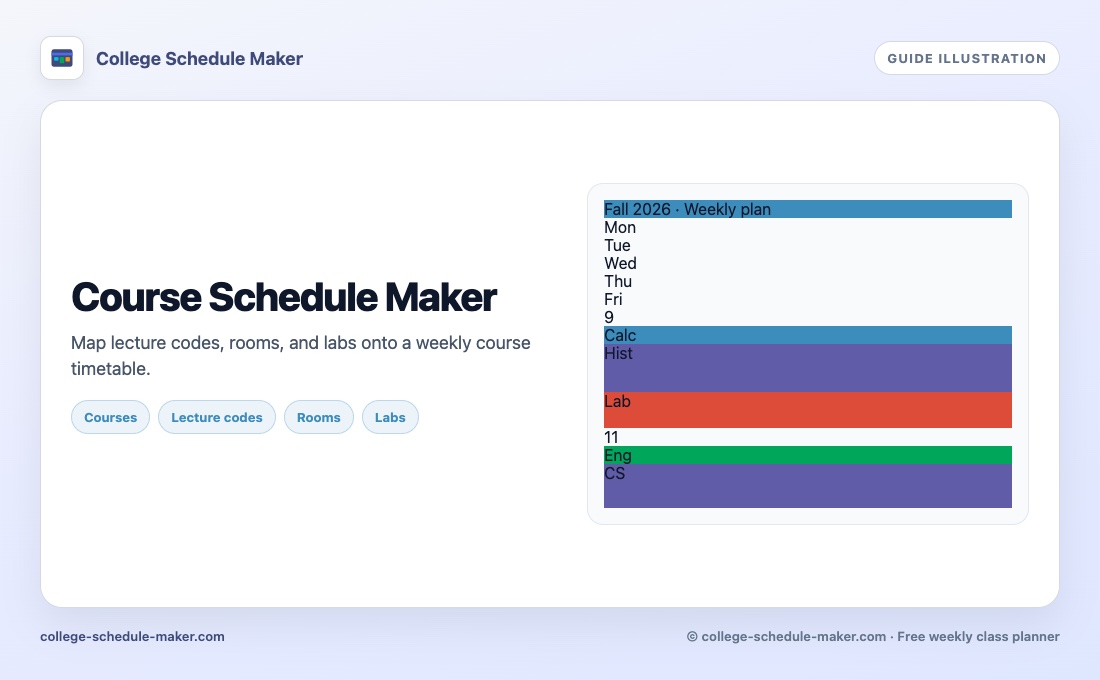
Lecture codes, rooms, and labs on one weekly course grid.
Course schedule maker
Lecture codes, rooms, and labs on one weekly course grid.
 Free schedule maker
No sign-up online schedule builder for a clear week view.
Free schedule maker
No sign-up online schedule builder for a clear week view.
 Weekly schedule maker
Plan Monday–Sunday classes and study blocks on one grid.
Weekly schedule maker
Plan Monday–Sunday classes and study blocks on one grid.
 Study schedule maker
Protect revision blocks next to your real class times.
Study schedule maker
Protect revision blocks next to your real class times.
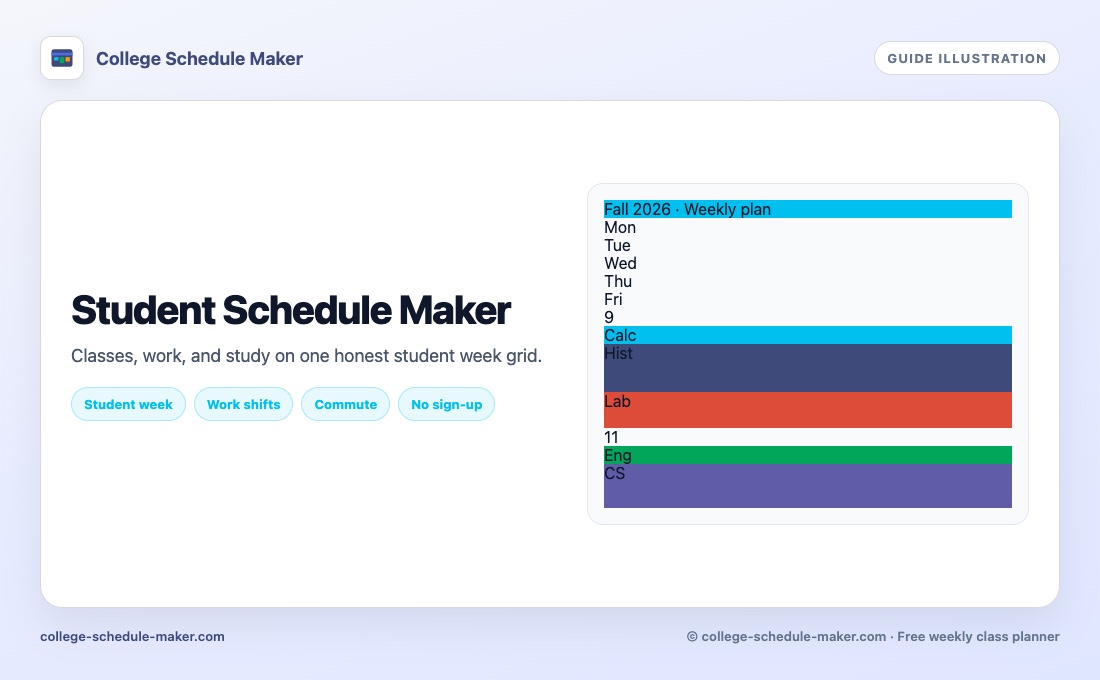 Student schedule maker
Classes, work, commute, and study on one student week.
Student schedule maker
Classes, work, commute, and study on one student week.
 College schedule builder
Organize a semester week — builder and organizer in one.
College schedule builder
Organize a semester week — builder and organizer in one.
 Class timetable maker
UK/intl timetable wording — free online timetable builder.
Class timetable maker
UK/intl timetable wording — free online timetable builder.
 School schedule maker
High school periods, activities, and printable weeks.
School schedule maker
High school periods, activities, and printable weeks.
 University timetable maker
Lectures, seminars, and labs on a uni timetable.
University timetable maker
Lectures, seminars, and labs on a uni timetable.
 How to create a class schedule
Step-by-step: add courses, place them, print or share.
How to create a class schedule
Step-by-step: add courses, place them, print or share.
 Printable class schedule
Landscape print and PNG tips for binders and phones.
Printable class schedule
Landscape print and PNG tips for binders and phones.
 Weekly planner
Online weekly planner for classes, study, and life blocks.
Weekly planner
Online weekly planner for classes, study, and life blocks.
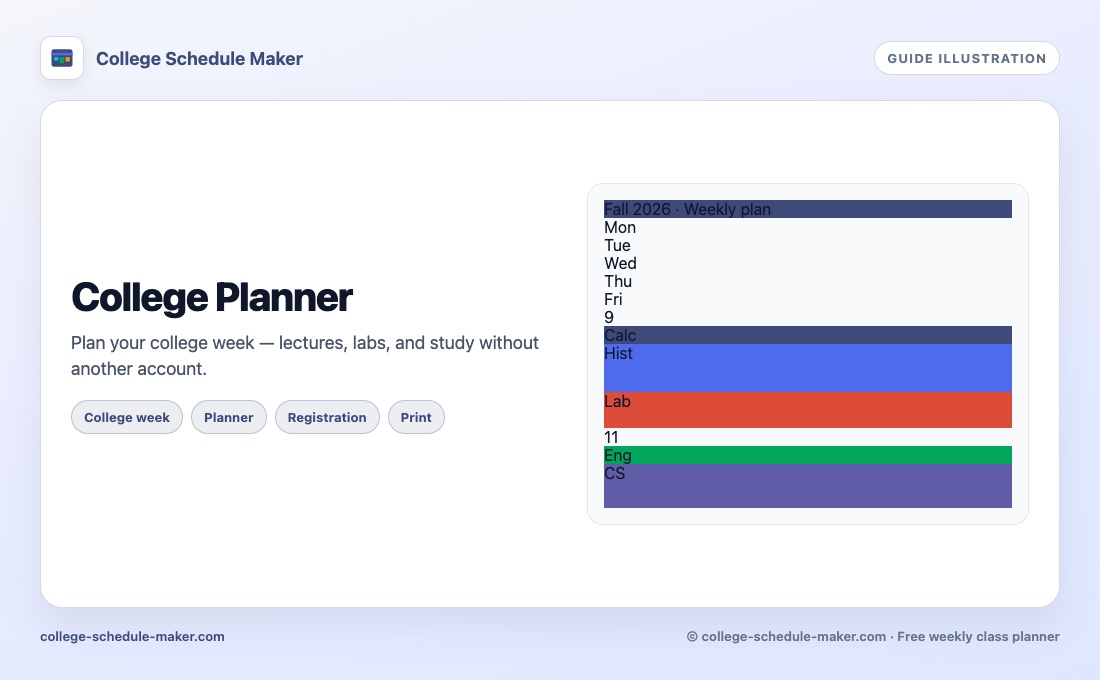 College planner
Free college week planner — lectures, labs, and study.
College planner
Free college week planner — lectures, labs, and study.
 Semester planner
Draft the term as one honest week before you register.
Semester planner
Draft the term as one honest week before you register.
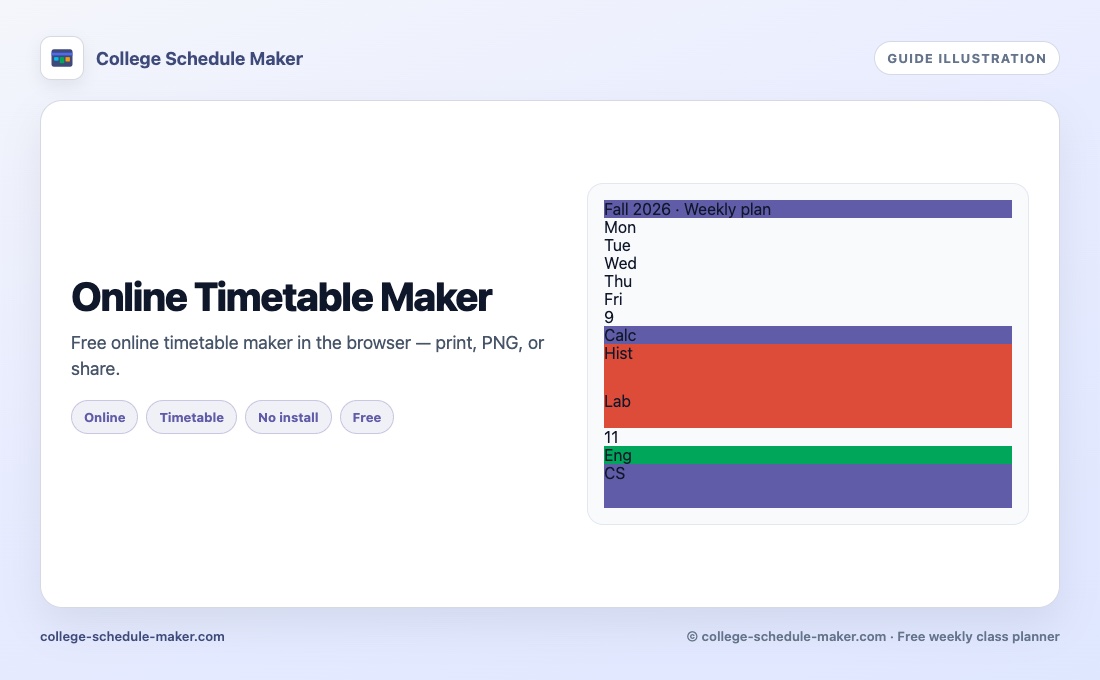 Online timetable maker
Free browser timetable builder — print, PNG, or share.
Online timetable maker
Free browser timetable builder — print, PNG, or share.
 All guides →
Full hub: every planner guide in one place.
All guides →
Full hub: every planner guide in one place.
FAQ
Yes. Use the full planner, print, share, embed, and export at no cost. No account required. See also our free schedule maker guide.
In this browser (secure cookie). If you clear site data or switch devices, use Export and later Import.
No. Share and embed links are view-only. Only your browser can edit the original schedule.
Click Print for a landscape week table, or Save Image for a PNG with a copyright footer. Need a PDF file? Use your browser’s Print → Save as PDF. More tips: printable class schedule.
Yes. Click Share, copy the embed code, and paste the iframe. Your Settings (days, fonts, colors) apply to the embed view.
Yes. Open Settings → Layout and enable weekend days, or change hours and slot size under Time.
It is a weekly class timetable tool. College is the main focus, but the same class schedule maker works for school or university weeks. Course-catalog wording: course schedule maker.
Add courses, drag them onto the week, then print or share. Full walkthrough: how to create a class schedule online. For revision blocks, see the study schedule maker.
Yes — this app is a weekly schedule maker and a student schedule maker. Prefer “planner” wording? See the weekly planner and college planner. Prefer “timetable”? See class timetable maker or online timetable maker. Planning registration? Try the semester planner.
Yes. Open our free AI schedule maker (Type your week): paste lines like “BIO 201 MWF 9-9:50am”, tap Build, then open the full planner to edit, print, or share. Guide: type your week.
From the blog