Print · PNG · Binder-ready
Printable Class Schedule
Build your week once, then print a clean timetable or save a PNG for your phone wallpaper or binder.
Printable class schedule without Word templates
People search for a printable schedule maker or schedule maker free printable when they want paper they can tape above a desk — not another login wall. Build the week in the browser first, then print a landscape table or download a PNG. You skip hunting for outdated “college schedule template.docx” files that never match your slot times.
Print vs Save Image vs browser PDF
- Print — opens a clean landscape week table sized for one page when possible.
- Save Image — downloads a PNG with a small copyright footer for phones or slides.
- Share → print link — ad-free print view useful if the homepage feels busy.
- PDF — there is no one-click PDF button yet; use Print → “Save as PDF” in your browser dialog.
Build your courses first using how to create a class schedule online, then come back here when you are ready for paper.
Tips for a readable printed timetable
- Tighten the hour range in Settings so empty early-morning rows do not shrink text.
- Use high-contrast colors; pale pastels wash out on cheap printers.
- Prefer short course titles on the grid; put long names in the item details.
- Print landscape. Portrait weeks usually force tiny fonts.
- Enable “background graphics” in print settings if colors disappear.
- Reprint after registration changes instead of scribbling over last month’s copy.
Phone wallpaper and binder workflows
Save Image helps if you want the schedule as a lock-screen reference or in a digital notebook. Crop lightly if your phone’s aspect ratio cuts off the edges; landscape PNGs still work well in Files or Photos albums. Paper still wins for a shared dorm wall or a parent fridge. Many students keep both: PNG on the phone, printout at the desk.
When not to use a blank template
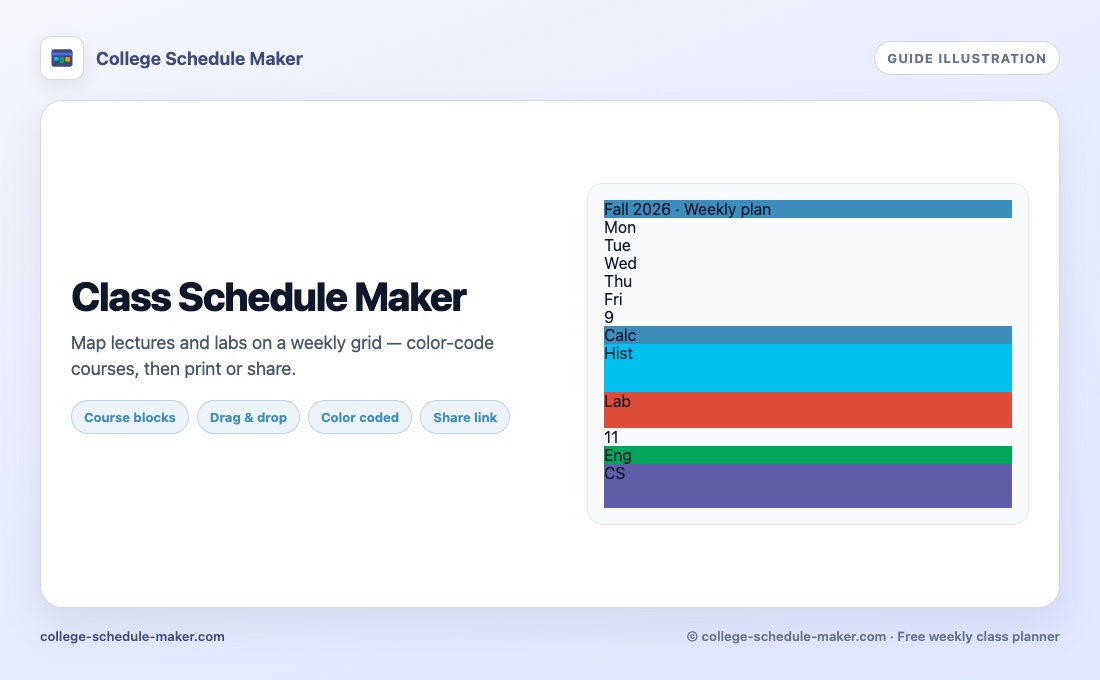
Static Word or Excel templates force you to redraw cells every semester. A live weekly grid updates in seconds when a lab moves. Export JSON if you want a backup before clearing browser data. Related reading: weekly schedule maker, class schedule maker, free schedule maker, class timetable maker.
FAQ
How do I print my class schedule?
After you build the week, click Print for a landscape table, or use Save Image for a PNG download with a footer.
Is there an ad-free print view?
Yes. Share creates a print link that opens a clean print page without the homepage ads.
Can I make a free printable schedule without Word?
Yes. Use this printable schedule maker in the browser — no Word or Excel template required.
Can I save a PDF?
There is no one-click PDF button yet. Use Print, then choose “Save as PDF” in your browser print dialog. PNG download is available via Save Image.
Will colors show when I print?
Yes if your printer settings allow background graphics. Use stronger colors for clearer paper copies.