Class & course planning
Class Schedule Maker
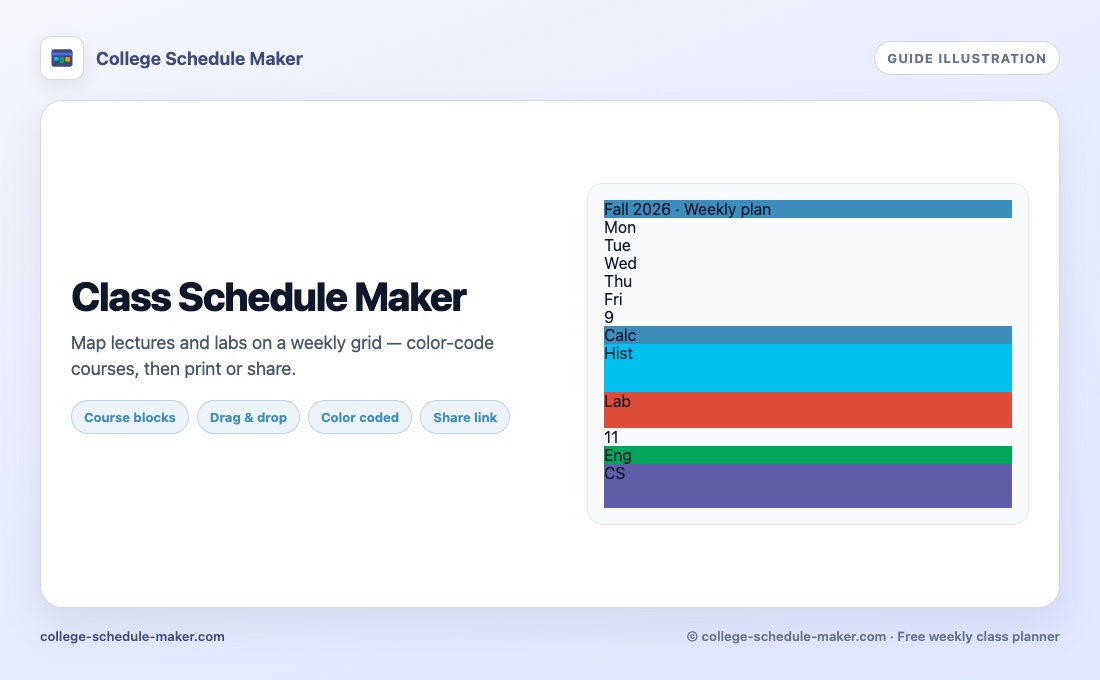
Map every lecture, lab, and study block onto one clear week — free, no account, works in your browser.
What a class schedule maker should do
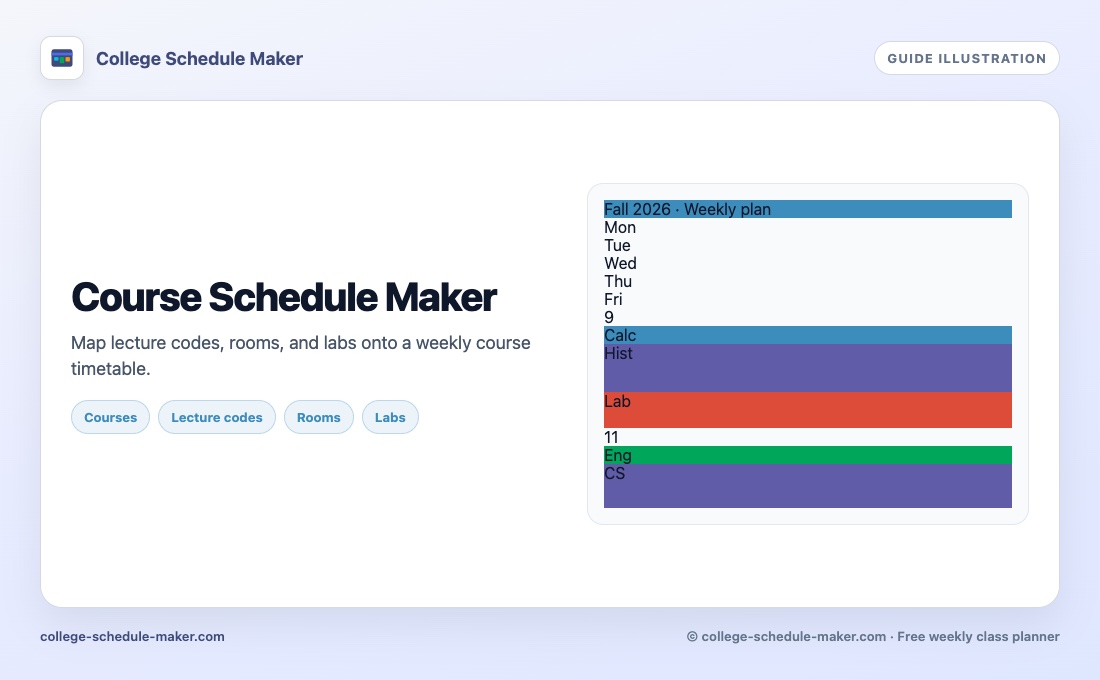
A good class schedule maker is not a fancy month calendar. It is a weekly grid where you can see Monday through Friday (and weekends if you need them), drop each course into the right hours, and scan the grid for stacked overlaps before the semester starts. Students also search for a course schedule maker or class schedule creator — they mean the same job: one clear timetable for lectures, labs, discussion sections, and study blocks.
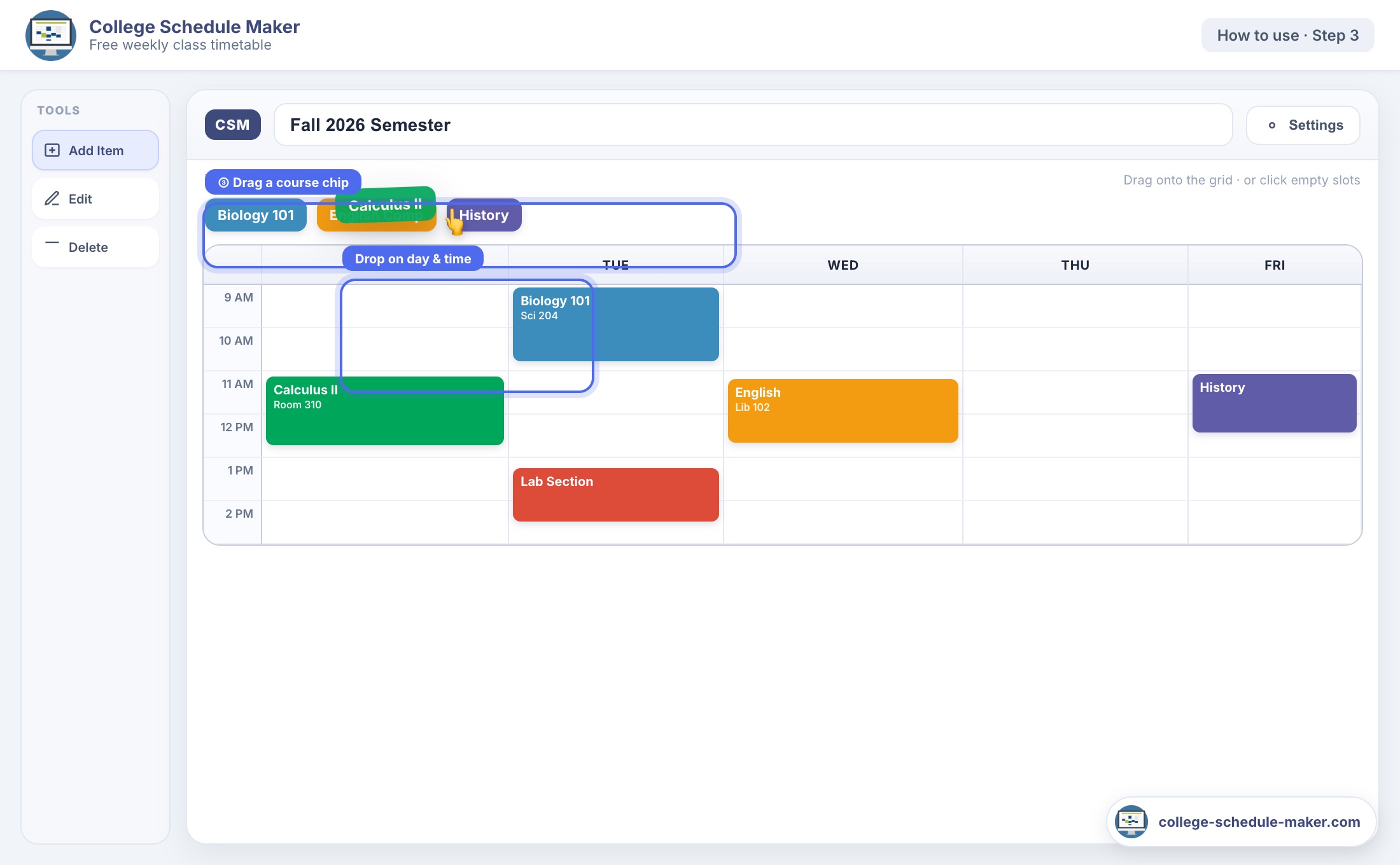
College Schedule Maker is built for that job. You add a course once, pick a color, then place it on every day it meets. Resize a block when a lab runs longer than the lecture. Move a seminar when your registration changes. When the week looks right, print it, save a PNG, or share a read-only link with a roommate.
Class schedule vs college schedule
The homepage owns the brand phrase college schedule maker. This guide is for people who typed class schedule maker, course schedule maker, or class scheduler online. You still use the same free planner — the difference is wording, not the tool.
- Weekly time grid instead of a blank spreadsheet
- Colors so you can scan subjects at a glance
- Optional instructor, room, and lecture code on each block
- Print and image export for binders and phone lock screens
How to build a class schedule in minutes
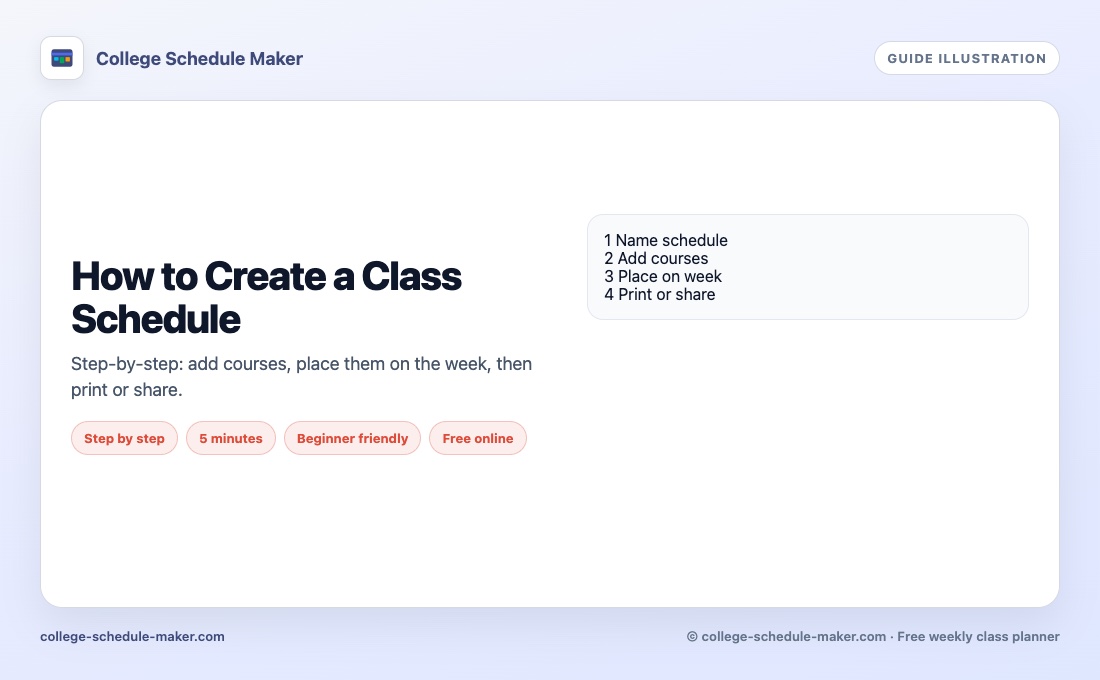
- Open the builder and name the schedule (for example “Fall semester”).
- Click Add Item for each course. Keep “Also add to course list” checked so you can reuse chips.
- Drag chips onto the week, or click an empty slot to create a block.
- Check for back-to-back gaps that are too short to walk across campus.
- Use Print or Save Image when you are happy with the layout.
For a longer walkthrough, see how to create a class schedule online. If you want the free/no-install angle, read the free schedule maker guide.
Tips that keep a class timetable usable
Color by subject, not by mood. Put hard classes in your strongest focus hours. Leave buffers between buildings that are far apart. Add fixed study sessions next to tough courses so they show up as real commitments, not wishful thinking. A weekly view makes those choices obvious; a list of times in Notes does not.
Prefer a weekly schedule maker mindset over a month planner when classes repeat every week. Month views hide the rhythm of your Tuesdays and Thursdays.
FAQ
What is a class schedule maker?
A class schedule maker is an online tool that lets you place courses on a weekly timetable with days and times, usually with colors, print, and share options.
Can I make a course schedule without signing up?
Yes. College Schedule Maker runs in your browser with no account. Export JSON if you want a backup before clearing site data.
Is this different from a college schedule maker?
Same free planner. “Class schedule maker” describes the weekly grid; the homepage focuses on the college schedule maker product name.
How is this different from a course schedule maker?
Same tool. Course-focused wording lives on the course schedule maker guide; class wording is here.