Courses · Lectures · Labs
Course Schedule Maker
Turn registration lists into a readable course timetable — one weekly grid for every lecture, discussion, and lab.
What a course schedule maker is for
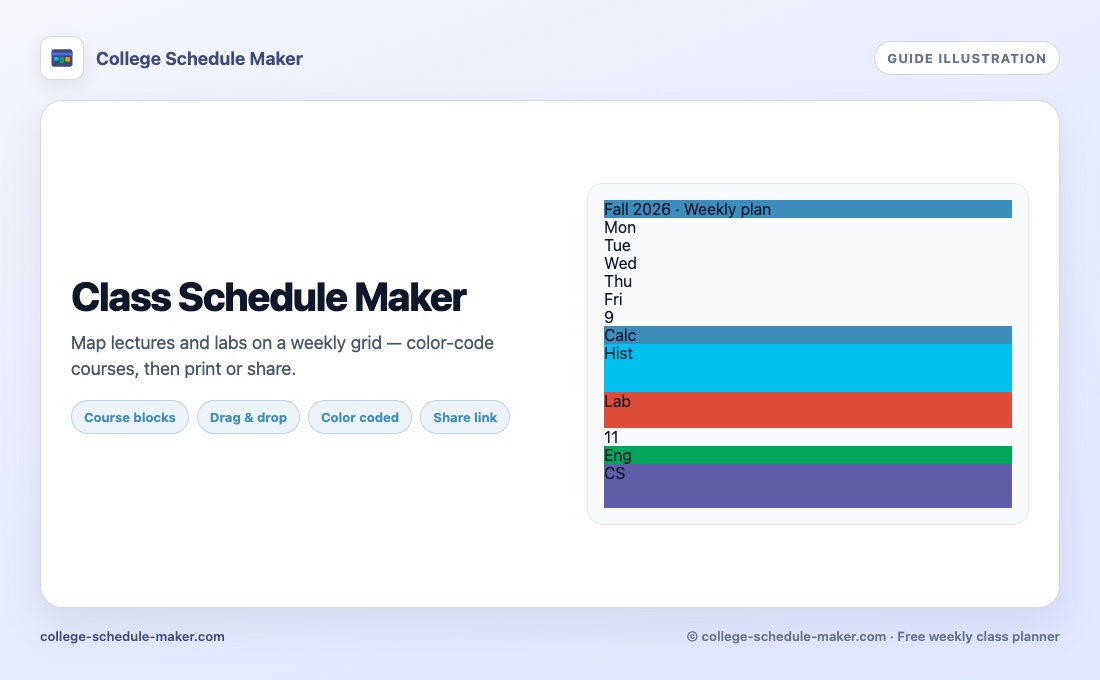
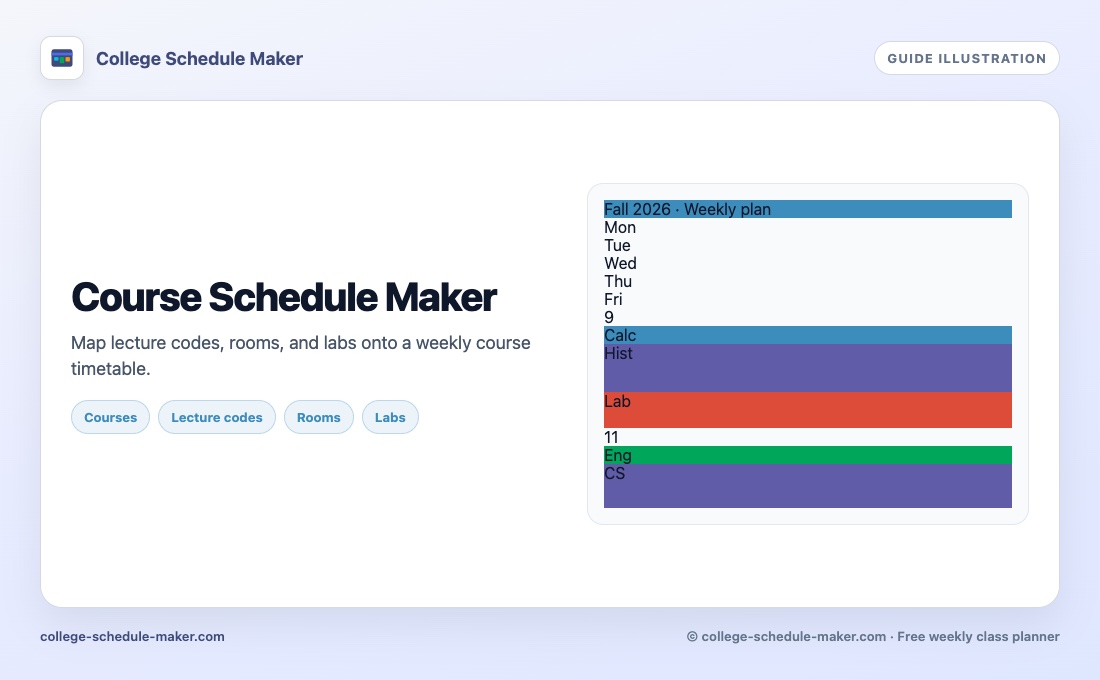
A course schedule maker turns a registration list into a visual week. You care about lecture codes, section letters, instructors, and rooms — not a blank month calendar. College Schedule Maker is built for that job: add each course once, store optional details, then place it on every day it meets.
People also search for course timetable, course planner, or class schedule maker. The product is the same free weekly grid; this page uses course-catalog language.
From catalog to weekly grid
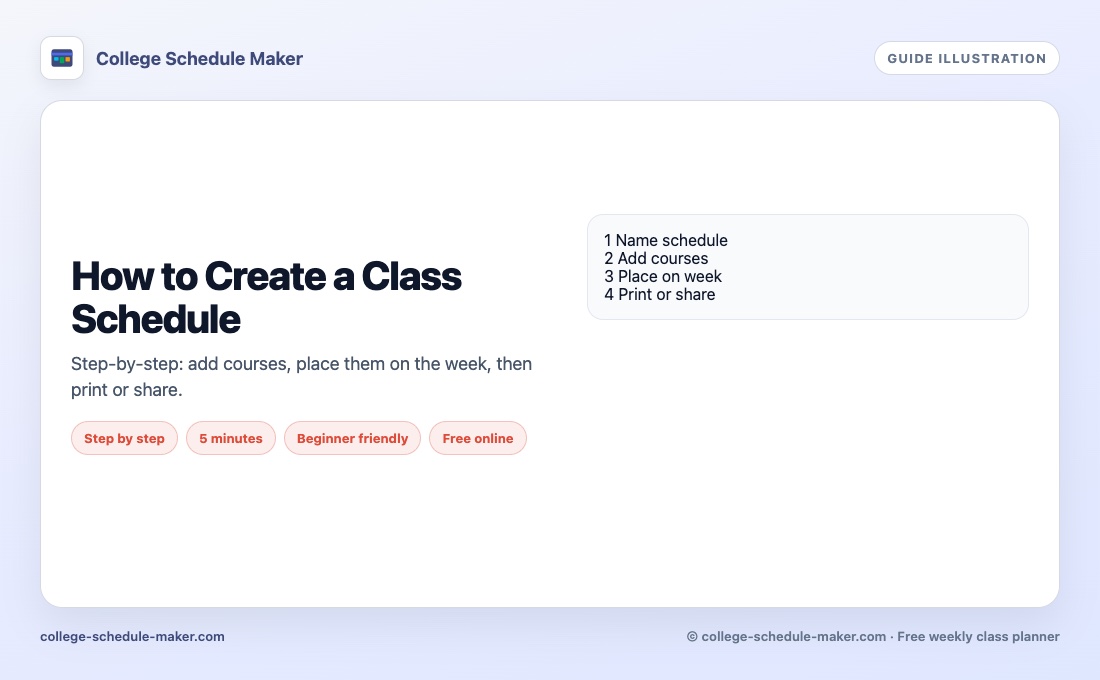
- Copy section times from your registration portal (including labs and discussions).
- Open the builder and click Add Item for each course.
- Fill title, color, and optional instructor, location, or lecture fields.
- Keep “Also add to course list” checked so you can reuse the chip on other days.
- Drag the course onto each meeting slot; resize labs that run longer than lectures.
- Scan for stacked overlaps, then print, save a PNG, or share a read-only link.
Course details that make the week usable
- Short titles on the grid (full names belong in details)
- Room or building when campus walking time matters
- Distinct colors for lectures vs labs vs study
- JSON export before you clear browser data or switch devices
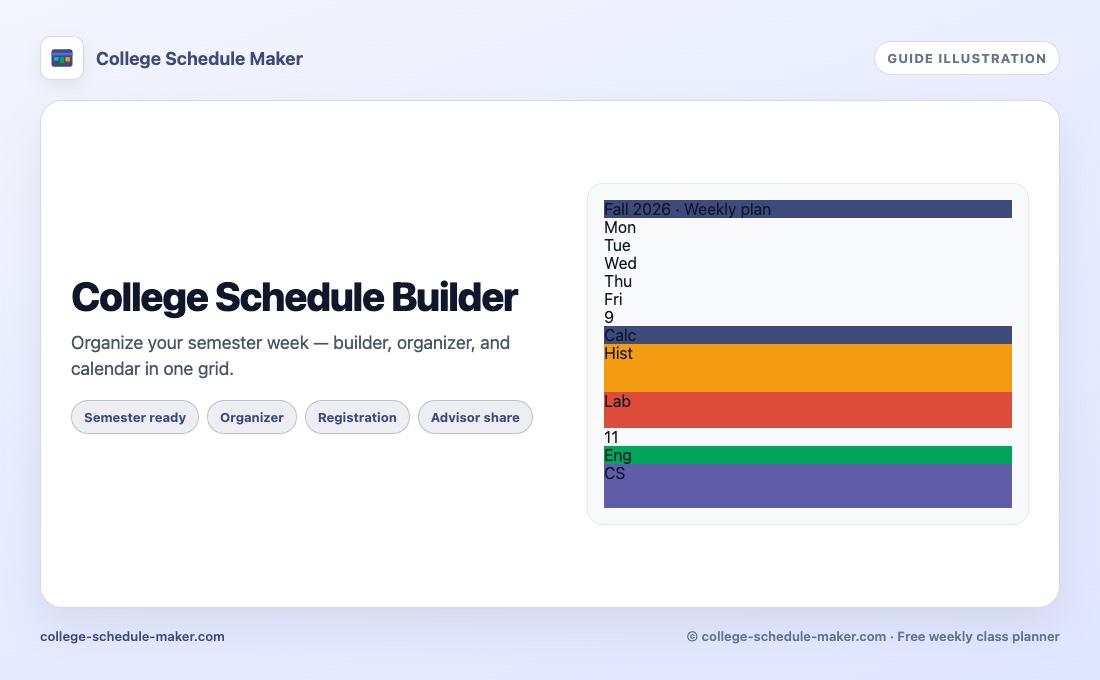
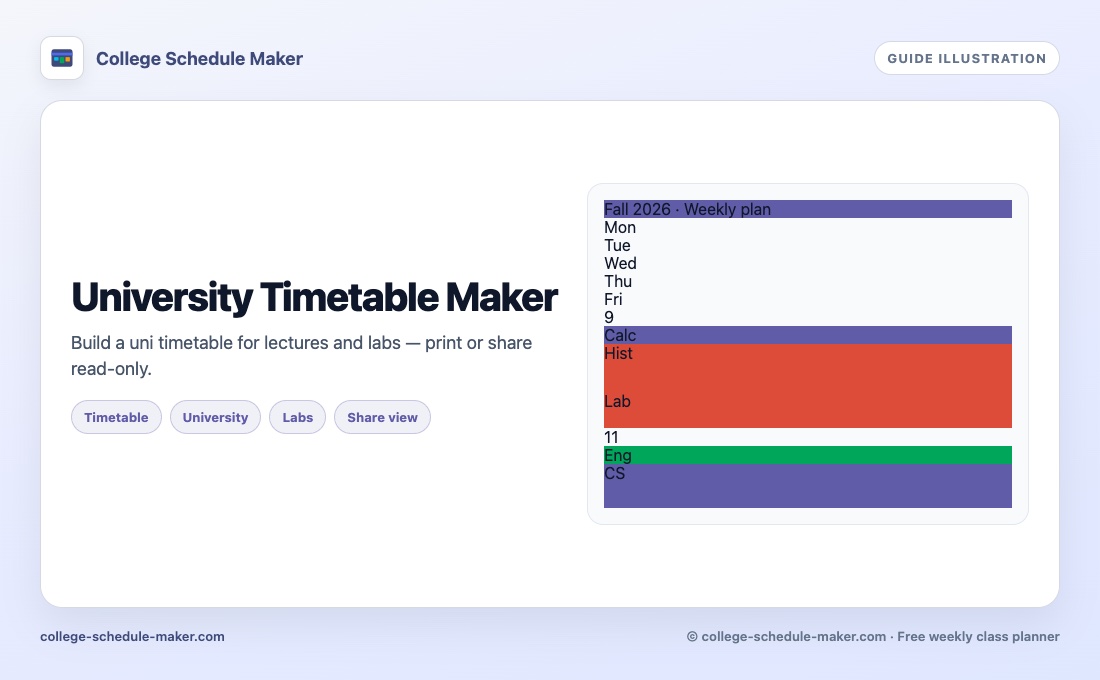
For a longer walkthrough, see how to create a class schedule online. Semester “builder / organizer” wording lives on college schedule builder. UK/intl timetable wording is on university timetable maker.
Course schedule vs Google Calendar or Excel
Google Calendar is excellent for one-off deadlines and reminders. Excel templates work until the first section change forces you to redraw cells. A course schedule maker keeps the repeating week on one screen so busy days are obvious. Use print or PNG for paper; there is no one-click PDF button yet — choose “Save as PDF” from the browser print dialog if you need a PDF file.
After registration week
When a waitlist clears or a lab moves, edit the block instead of rewriting a spreadsheet. Share a view-only link with a roommate who needs to know when you are free. Pair course blocks with study schedule sessions so revision shows up as real time.
FAQ
What is a course schedule maker?
A course schedule maker helps you place each course section on a weekly timetable with days, times, and optional room or instructor details.
Is a course schedule the same as a class schedule?
Almost. “Course” emphasizes catalog sections and lecture codes; “class” is everyday language. Same free planner either way.
Can I add lecture codes and rooms?
Yes. When you add an item you can store instructor, location, and lecture fields, then place the course on every day it meets.
How do I reuse the same course on multiple days?
Keep “Also add to course list” checked, then drag the colored chip onto each meeting day.