Study · Revision · Focus blocks
Study Schedule Maker
Protect real study hours on the same week grid as your classes — so revision is a commitment, not a wish.
Study schedule maker vs class timetable
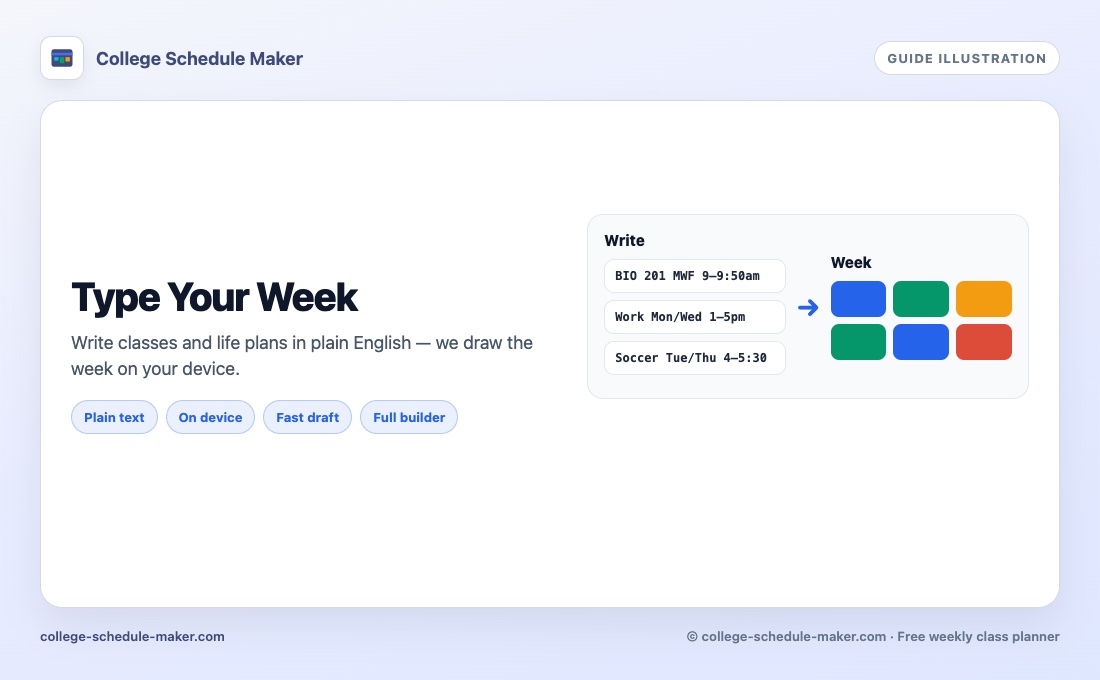
A study schedule maker (or study timetable) is not only a list of lectures. It reserves focus time for revision, homework, and exam prep on the same week you already attend class. College Schedule Maker lets you add study blocks as colored items next to courses — free, no account. Prefer drafting from a typed list first? Try Type your week, then protect study slots by hand.
Cloud “AI planners” often invent ambitious hours you will never keep. A visual week you edit yourself tends to survive past Wednesday. Start from your real class grid, then fill honest gaps.
How to build a realistic study week
- Place every class first using the weekly builder.
- Add a “Study — Subject” item with a distinct color for each hard course.
- Drop 30–50 minute blocks after lectures while the material is fresh.
- Leave buffers for meals, commute, and rest — empty space is a feature.
- Review the grid on Sunday; move blocks instead of abandoning the plan.
Study timetable habits that stick
- Hard subjects in your strongest focus hours
- Short review the day after a tough lecture (same day if you can; next morning if the day is packed)
- One longer block for problem sets, not five fantasy hours
- Weekends only when you will actually show up
- Color study items differently from courses so the week stays readable
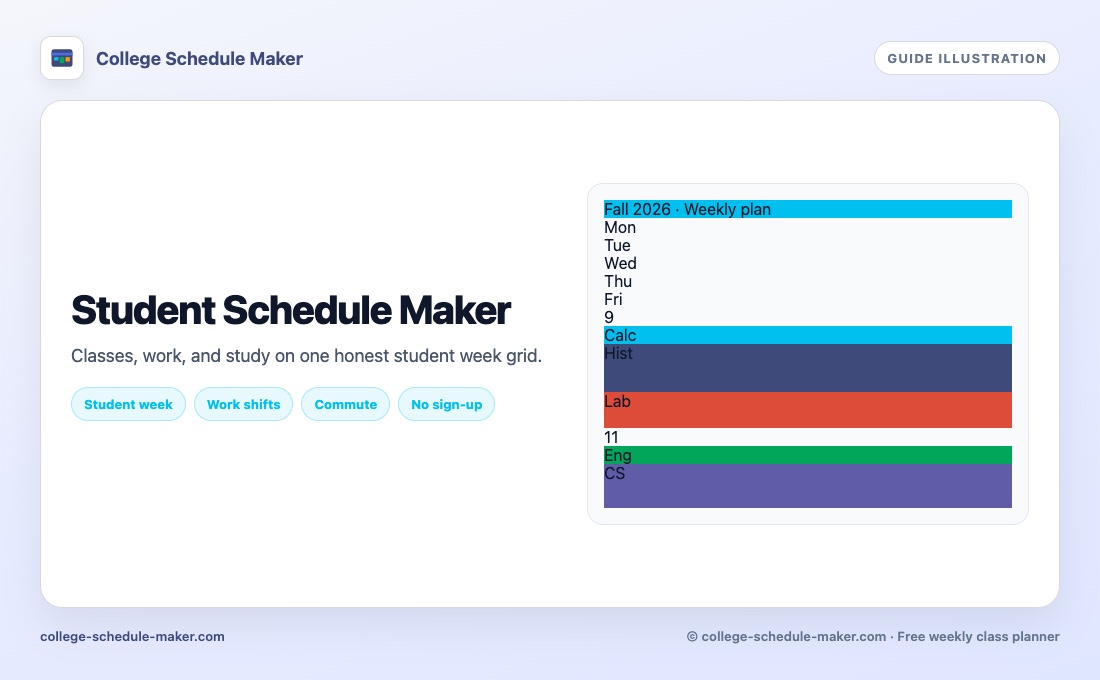
Week-view fundamentals: weekly schedule maker. Broader student life (work + commute): student schedule maker. Free/no-install expectations: free schedule maker. A weekly planner mindset helps: classes first, then protected focus time.
Print your study plan
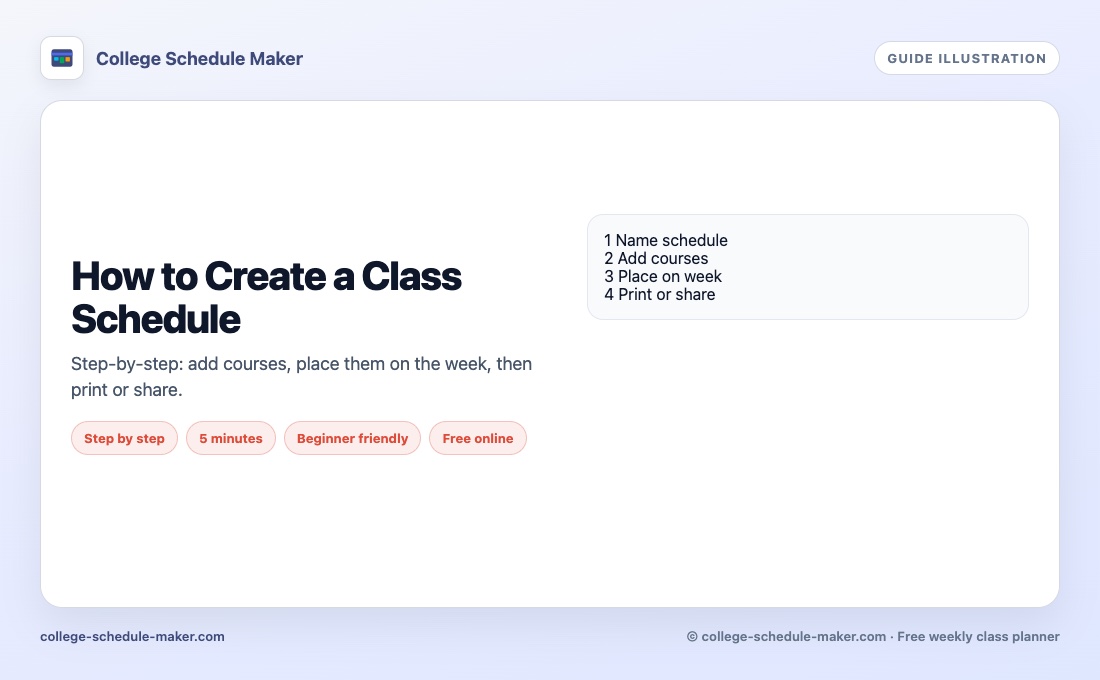
Print a landscape page for your desk or Save Image for your phone. Share is view-only if a study partner needs to see when you are free. Paper tips: printable class schedule.
What this tool is not
It is not an adaptive AI tutor and it does not auto-generate spaced-repetition calendars. It is a free study schedule maker that keeps classes and revision on one honest grid — then lets you print, PNG, export JSON, or share. For a plain-text draft of the whole week, use Type your week.
FAQ
What is a study schedule maker?
It is a planner that helps you block study and revision time on a weekly timetable, usually alongside classes and other fixed commitments.
Can I put study blocks next to lectures?
Yes. Add study sessions as separate colored items and place them in free slots after tough classes.
Is this an AI study planner?
Study blocks are yours to place on the grid. If you want a fast first draft from plain text, try Type your week — then edit the study times yourself.
How long should study blocks be?
Many students stick to 30–50 minute blocks with short breaks. Put them where you can actually show up.