Students · Classes · Life balance
Student Schedule Maker
One student week: classes, part-time work, commute, and study — visible on a free weekly schedule maker.
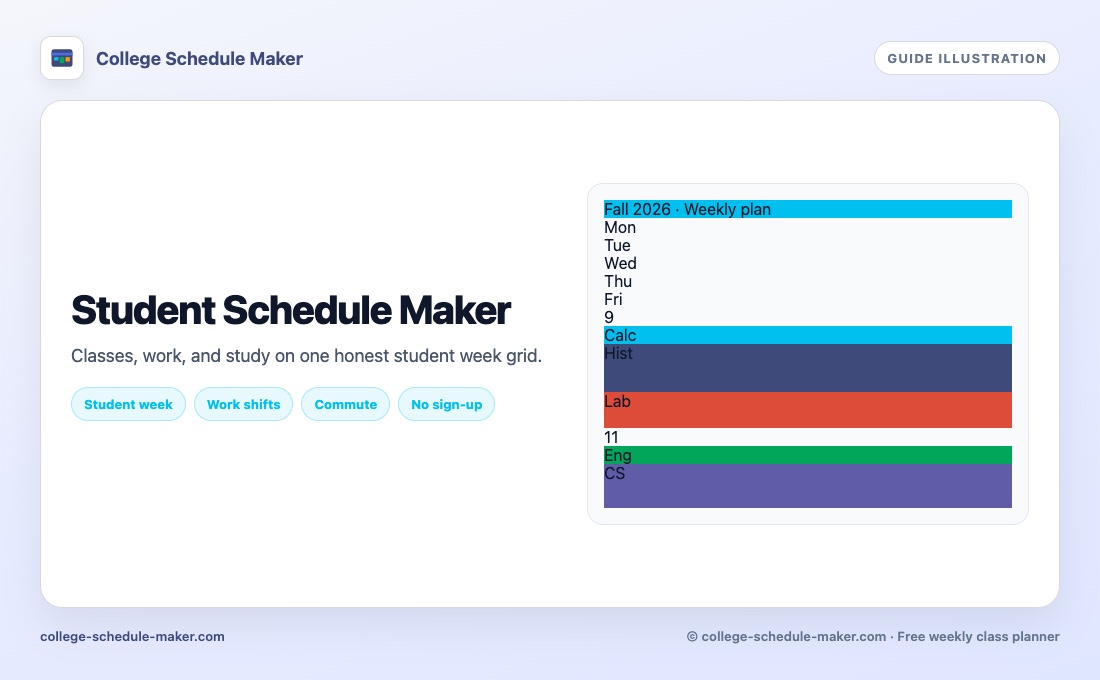
Student schedule maker for a full week
A student schedule maker is for people whose week is more than a class list. Lectures, labs, a part-time job, commute, clubs, and study time all compete for the same hours. College Schedule Maker gives you one free weekly grid so the trade-offs are visible before you overbook Tuesday.
High school students, undergraduates, and graduate students can use the same tool — the labels change; the repeating week pattern does not.
What to put on a student week
- Every class and lab with real start/end times
- Work shifts that cannot move
- Commute or transit windows that eat evenings
- Fixed study or tutoring sessions
- Optional clubs only if they are real commitments
Color by category (class / work / study) so a glance tells you what kind of day you face. Enable weekends in Settings when Saturday practice or Sunday shifts matter.
Student schedule vs Google Calendar
Google Calendar (and Apple Calendar) shine at reminders, invitations, and one-off deadlines. A student schedule maker shines at the repeating shape of your week on a single screen. Many students keep both: this weekly grid for structure, a phone calendar for exams and meetings. Spreadsheets are flexible but slow to redraw after registration changes.
Related guides: school schedule maker, study schedule maker, class schedule maker, free schedule maker.
How to start in five minutes
- Open the homepage builder and name your week.
- Add classes first, then work, then study blocks.
- Look for stacked overlaps and back-to-back gaps that are too short to travel.
- Print or Save Image for your desk and phone.
- Share a read-only link if a roommate only needs to view your availability.
Keep it honest
A student schedule only helps if empty space is real. Do not fill every hour with fantasy productivity. Revisit the grid after the first two weeks of term and delete blocks you never attend. Step-by-step class placement: how to create a class schedule online.
FAQ
Who is a student schedule maker for?
High school, college, and university students who need a repeating week view of classes plus other fixed commitments.
Can I include a job or commute?
Yes. Add work shifts and travel windows as items so they claim real time on the grid.
Is the student schedule maker free?
Yes. No account. Print, Save Image, JSON export, and read-only share are included.
How is this different from Google Calendar?
Google Calendar is strong for reminders and one-offs. A student schedule maker shines for the repeating shape of your week on one screen.