Planner · Week view · Free
Weekly Planner
Need a weekly planner, not a month calendar? Map classes and study on one honest week — free in your browser.
Weekly planner vs monthly calendar
A weekly planner answers “what does a normal week look like?” — not “what happens on March 14?” Month views bury repeating class patterns under one-off deadlines. If you searched for an online weekly planner or free week planner for school, start with a single Monday–Sunday grid.
College Schedule Maker is that grid: drag classes and study blocks onto days and times, color-code them, then print or share. No account. No install. Export JSON if you want a backup.
Planner vs schedule maker — same tool, different wording
People who search weekly planner often want life + study blocks. People who search weekly schedule maker often mean class times. On this site both land on the same free builder — the difference is how you talk about the week, not a second product.
How to set up a useful weekly planner
- Place fixed classes and labs first on the builder.
- Add work shifts, commute, or clubs as separate colored items.
- Drop study blocks into real free slots — not fantasy midnight hours.
- Turn weekends on in Settings only if you will use them.
- Print a landscape copy for your wall; keep the live grid for edits.
What this weekly planner is not
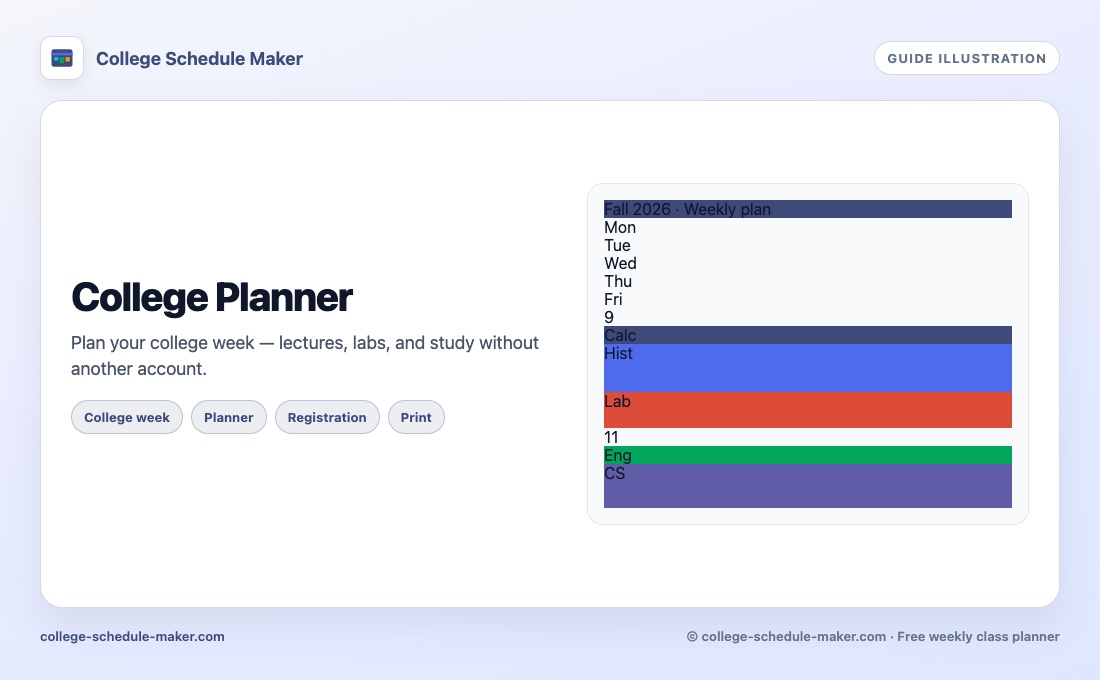
It is not a full task manager, habit tracker, or AI that invents your day. It is a free visual week for students who need clarity before they open another app. For college-specific wording see the college planner; for term registration drafts see the semester planner.
FAQ
What is a weekly planner online?
A weekly planner shows one repeating week — days and hours — so you can place classes, study, and other fixed commitments on a single grid.
Is a weekly planner the same as a weekly schedule maker?
Almost. “Planner” often means life + study blocks; “schedule maker” often means class times. College Schedule Maker covers both on the same week grid.
Can I print my weekly planner?
Yes. Use Print for a landscape week, or Save Image for a PNG. No account required.
Does this weekly planner need an app install?
No. It runs in the browser. Export JSON if you want a backup before clearing site data.