Semester · Registration · Week draft
Semester Planner
Plan the semester by shaping one honest week — then reuse that pattern until the term ends.
Semester planner: one honest week for the term
A semester planner is less about a 15-week wall calendar and more about the week you will live on repeat. If Tuesday always has lab until 5, that pattern matters more than a blank March square. College Schedule Maker helps you draft that repeating week free in the browser — then print or share it.
Keep exam dates, drop deadlines, and one-off events in your school portal or personal calendar. Use this grid for the shape of every normal week until finals.
Registration workflow with a semester planner
- List candidate sections from the course catalog (codes, times, rooms).
- Add them in the builder with clear colors per course.
- Place each meeting pattern; move anything that overlaps before you submit.
- Add walk time or a short study block after tough classes if the day allows.
- Export JSON or Share a read-only link before registration day chaos.
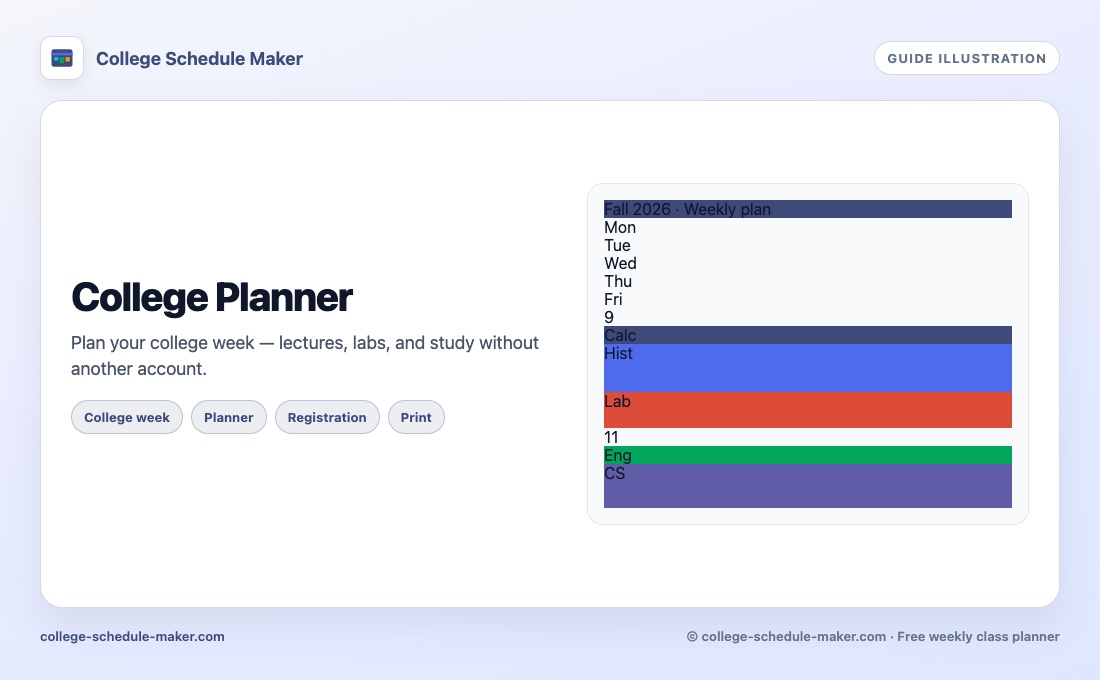
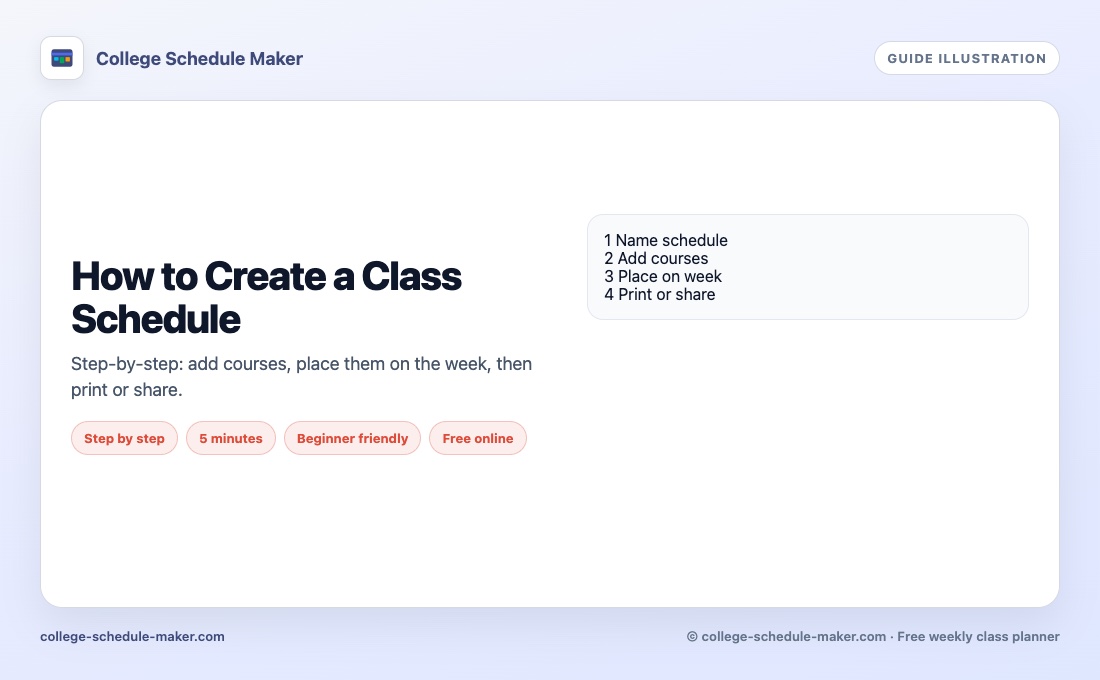
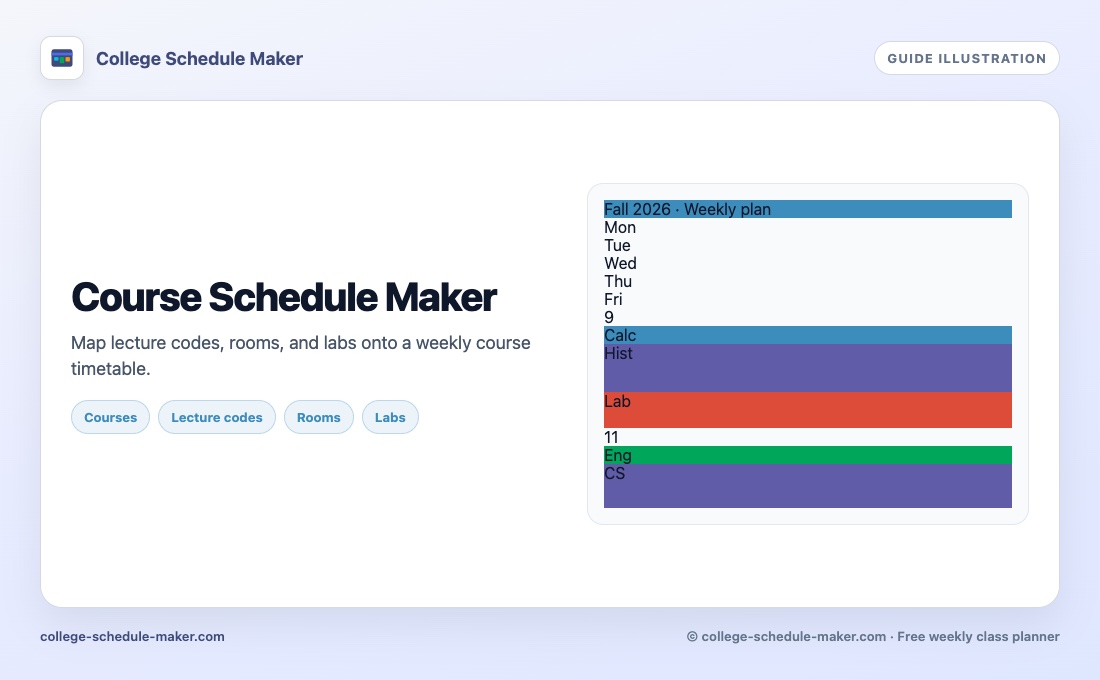
Step-by-step class placement: how to create a class schedule online. College-week wording: college planner. Course-catalog language: course schedule maker.
What this semester planner does not do
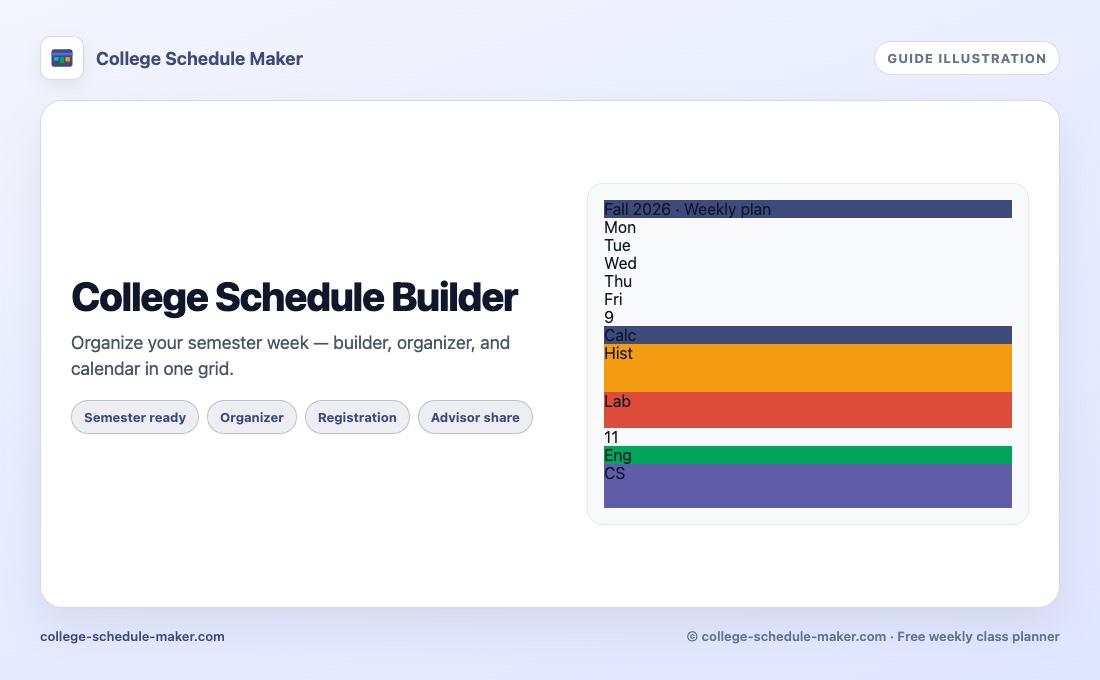
It does not auto-detect conflicts across every catalog option, sync ICS to Google Calendar, or store a full academic year. It is a free visual semester week draft — honest about overlaps you can see, editable in seconds when a section fills. Builder-focused synonyms also live on college schedule builder.
FAQ
What is a semester planner?
A semester planner helps you design a typical week for the term — classes, labs, and study — so registration choices fit real time, not wishful thinking.
Does this tool store the whole semester calendar?
No. It is a weekly grid you reuse across the term. Put exam dates in your school calendar or notes; keep the repeating week here.
How do I plan registration with a semester planner?
Add candidate sections as courses, place them on the week, and move anything that overlaps before you lock classes in the portal.
Can I share a semester week with an advisor?
Yes. Use Share for a read-only link, or Print / Save Image for a snapshot.