Published July 2026 · Original illustrations © college-schedule-maker.com
Looking for the best schedule maker in 2026? Students still type that phrase when registration week hits — and most “top apps” lists answer with Google Calendar, Notion, or appointment tools that were never built for a repeating class week.
This roundup is different. We focus on weekly class and study planners: tools that put Monday–Sunday on one screen, let you color-code courses, and help you print or share a clear timetable. We also show where our free product, College Schedule Maker, fits — and when another site is honestly a better match.
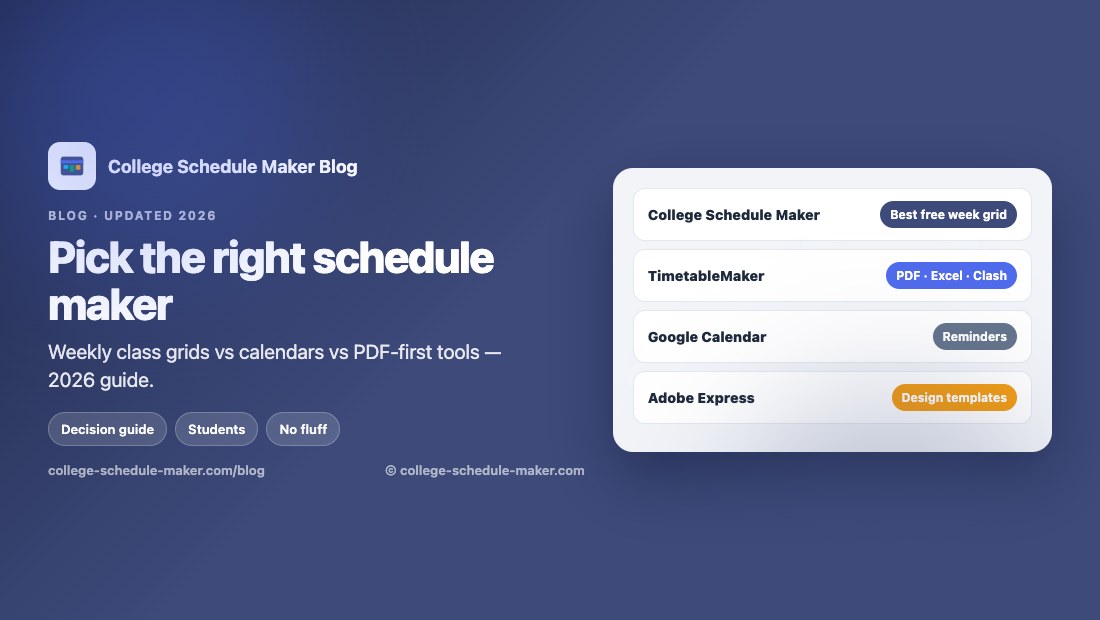
How we chose the best schedule maker tools for 2026
We scored tools for student weekly planning, not for booking clients or managing a company calendar. Criteria:
- Weekly grid first — you should see the shape of your week without scrolling a month view.
- Low friction — no forced account for a first draft when possible.
- Student details — colors, rooms, instructors, or at least short block titles that stay readable.
- Output — print, image, or share so the plan leaves the browser.
- Honesty — we do not claim features a product does not ship.
If you need a school-admin AI that assigns teachers and rooms across an entire building, that is a different category (we mention it briefly). This article is for personal and student timetables.
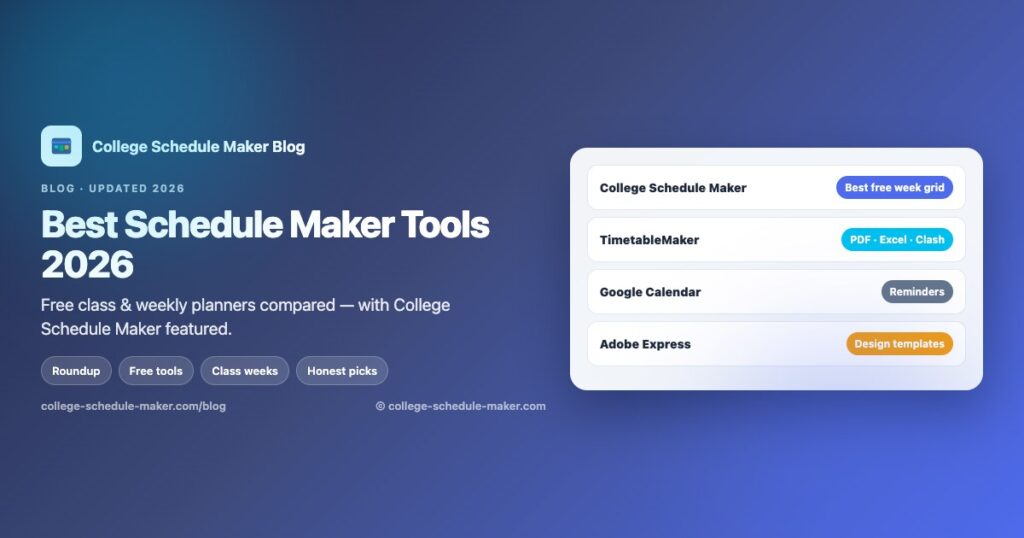
Quick picks: best schedule makers at a glance
| Tool | Best for | Free to start? | Standout |
|---|---|---|---|
| College Schedule Maker | College / school weekly class grids | Yes — no sign-up | Drag-and-drop week, print, PNG, share, JSON |
| TimetableMaker | Clash warnings + PDF/Excel export | Yes — no sign-up | PDF, Excel, clash badge |
| 101 Planners | Printable class schedules | Yes | Printable + calendar-style exports |
| Schedule Builder Online | General weekly / daily plans | Yes | Custom looks, PNG/PDF share |
| Google Calendar | Reminders & phone sync | Yes | Ecosystem, invites, mobile apps |
| Adobe Express | Designed timetable graphics | Free tier | Templates and polish |
Featured: College Schedule Maker (best free weekly class planner)
College Schedule Maker is our free online college schedule maker — a weekly drag-and-drop grid for lectures, labs, and study blocks. You open the page, add courses, place them on the week, then print a landscape table, download a PNG, export JSON, or share a read-only link. No account is required.
It is the right pick when you want a class timetable, not a design canvas and not a full appointment CRM. Overlaps stack visually on the grid so you can move a block before you print. There is no separate “clash alarm” badge and no one-click PDF button yet — if you need a PDF file today, use Print → Save as PDF in your browser.
Start here on our site
- Open the builder — main product
- All schedule maker guides — intent hub
- Class schedule maker
- Course schedule maker
- Free schedule maker
- Weekly schedule maker
- Study schedule maker
- Student schedule maker
- College schedule builder
- Class timetable maker
- How to create a class schedule online
- Printable class schedule
- School schedule maker
- University timetable maker
Prefer a longer walkthrough first? Read the how-to guide, then jump back to the builder. Prefer paper on the wall? Build once, then use Print or Save Image from the printable guide tips.
Best schedule maker apps and sites in 2026 (full roundup)
1. College Schedule Maker — best for free college weeks
Already covered above. Choose this when your main job is mapping a semester week with colors, optional room/instructor fields, and a share link for roommates. Deep guides help people who searched “class,” “course,” “study,” or “timetable” land on the right language and still end up in the same planner.
2. TimetableMaker — best when you need PDF, Excel, or clash badges
TimetableMaker is a strong no-sign-up timetable generator with clash detection and direct PDF / PNG / Excel export. If your must-have is a one-click PDF or an automatic overlap warning, start there. It also offers class and study timetable entry points. Trade-off: it is a general timetable product, not a college-branded planner with a long guide cluster.
3. 101 Planners Class Schedule Maker — best printable angle
101 Planners leans into printable, color-coded class schedules and related planner pages. Useful if your search intent is literally “printable class schedule” and you want template-style workflows. Pair their printable focus with our printable class schedule guide if you prefer building the week in a live grid first.
4. Schedule Builder Online — best general weekly / daily maker
Schedule Builder Online (SBO) has been around for years as a flexible weekly/daily schedule maker with customization and share/export options. Pick it for personal routines or work weeks that are not strictly college lectures. For semester courses with reuse of the same course chip across days, a class-focused grid (like College Schedule Maker) is usually faster.
5. Google Calendar — best phone ecosystem (not a class grid)
Google Calendar remains the default “schedule app” on phones. It wins for reminders, invites, and syncing across devices. It is weaker as a one-screen weekly class timetable: month views hide the rhythm of your Tuesdays, and redesigning a semester after registration changes is slower than dragging blocks on a dedicated week grid. Many students keep both — our weekly planner for structure, Google Calendar for deadlines.
We explain that trade-off on the homepage section Schedule maker vs Google Calendar or Excel.
6. Adobe Express Timetable — best designed templates
Adobe Express is excellent when the deliverable is a polished graphic for a poster or social post. It is a design tool first. If you change three lab times every week, a live grid beats a static template.
7. Study-focused planners (TrySchedule and AI study tools)
Sites such as TrySchedule and various AI “study schedule generators” target revision blocks and exam countdowns. They can inspire a first draft. Treat AI plans as suggestions: if the week ignores your real lecture times, you will abandon it by Wednesday. A practical pattern is to place classes first in a study schedule maker workflow, then drop 30–50 minute revision blocks into real gaps.
8. Institutional AI timetable generators
Tools aimed at schools (teacher + room + period constraints) solve a different problem than a personal student timetable. If you are an administrator generating conflict-free master schedules for a whole campus, evaluate those platforms separately. Students registering for their own modules should stay with a personal week grid.
Related calendar projects (print & custom calendars)
If your need is a printable wall calendar or custom calendar product rather than a weekly class grid, these related properties in our broader calendar family can help:
- MakeACalendar — make and customize calendars online
- TypeCalendar — typed / designed calendar templates
- TemplateSpark — template marketplace for creators
They complement — they do not replace — a schedule maker for lectures and labs. For course weeks, stay on college-schedule-maker.com.
Schedule maker vs Excel vs phone calendars
Excel / Google Sheets are flexible until the first section change forces you to redraw cells. Phone calendars are perfect for one-off events. A dedicated weekly schedule maker wins when classes repeat and you need to see busy days at a glance, color subjects, and print one page for your wall.
That is why “best schedule maker apps 2026” lists that only rank Notion and Calendly miss the student use case. Appointment links are not class timetables.
How to choose the right schedule maker (decision guide)
- College or school classes on a week grid, free, no account → College Schedule Maker
- Must have one-click PDF or Excel + clash badge → TimetableMaker
- Pretty printable template first → 101 Planners or Adobe Express
- Reminders on your phone → Google Calendar (alongside a week grid)
- Whole-school teacher/room assignment → institutional AI timetable tools
Still unsure? Start with our free builder for ten minutes. If you outgrow print/PNG/share, you have lost nothing — export JSON as a backup and try a PDF-focused site for the final poster.
Build a better week in five minutes
- Open the homepage builder and name your schedule.
- Click Add Item for each course; keep “Also add to course list” checked.
- Drag chips onto every meeting day; resize labs that run longer.
- Scan stacked overlaps; leave buffers for walking between buildings.
- Print, Save Image, or Share a read-only link. Optional: add study blocks from the study schedule maker guide.
More detail: how to create a class schedule online. Prefer UK “timetable” wording? See class timetable maker and university timetable maker.
FAQ: best schedule maker questions
What is the best free schedule maker for college in 2026?
For a no-sign-up weekly class grid with print, PNG, and share, College Schedule Maker’s free schedule maker is built for that job. If PDF/Excel export is non-negotiable, TimetableMaker is a strong free alternative.
Is Google Calendar a schedule maker for classes?
It can store class times, but it is not optimized as a one-page weekly timetable. Use it for reminders; use a week grid for registration planning.
Do I need an app from the App Store?
Not for most student weeks. Browser-based schedule makers work on phones and laptops without installs. Save a PNG for your lock screen if you want offline glanceability.
Schedule or timetable — which word is right?
Both. “Schedule” is common in the US; “timetable” is common in the UK and many other regions. Same weekly idea — see our class timetable maker guide.
Final takeaway
The best schedule maker in 2026 depends on the job. For free college and school weeks, start with College Schedule Maker, explore the guides hub, and print or share when the week looks right. For PDF/Excel-first exports, design posters, or institutional AI, use the specialists above — then come back when you need a simple, honest weekly class grid again.